OneClient Gains Popularity: FPS Optimization and OneConfig for Minecraft
Polyfrost’s OneClient has surpassed 1.75 million downloads on Modrinth. What the developers offer, what the interface looks like, where to download the Fabric build and why it is not a server plugin.
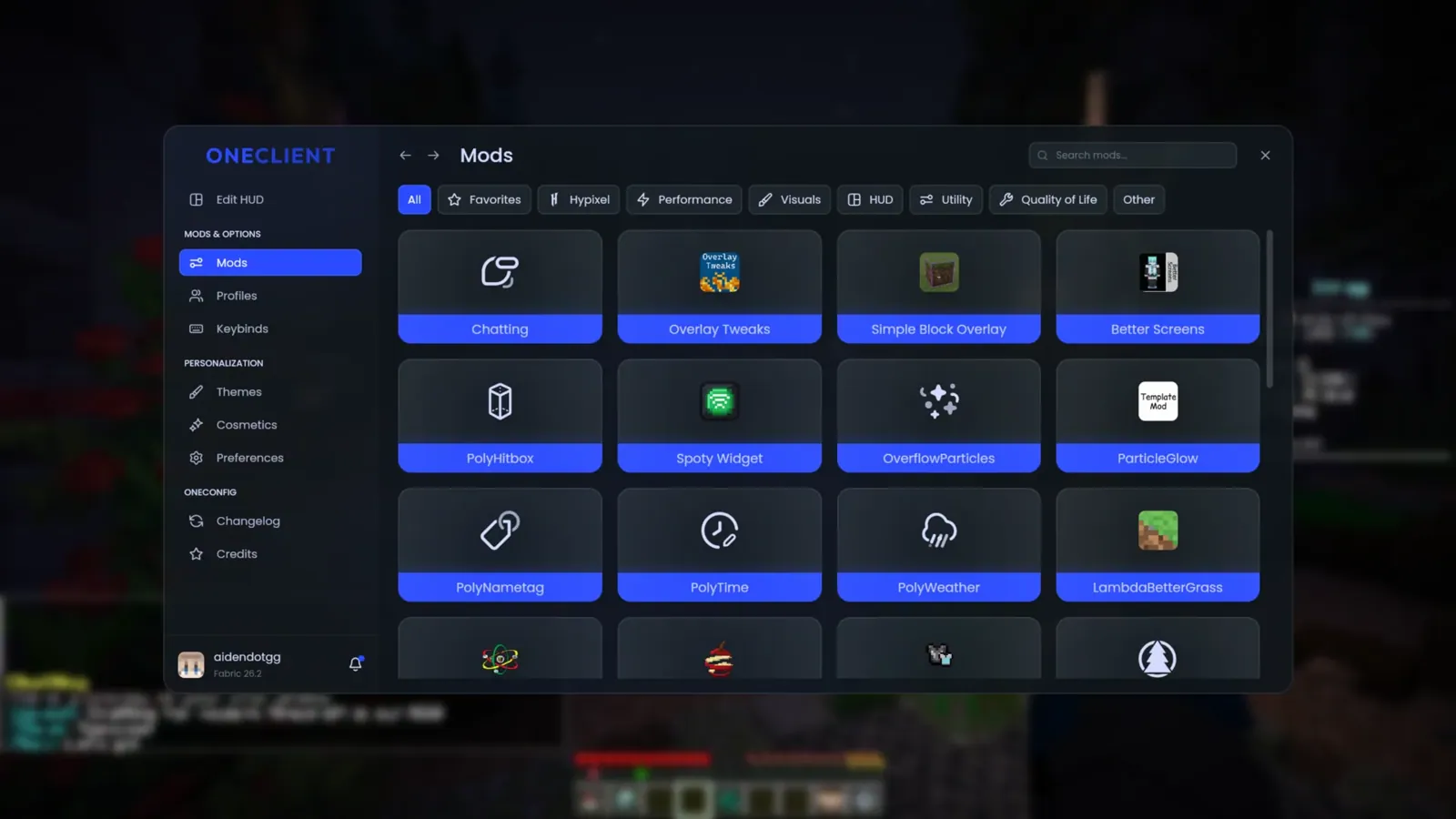
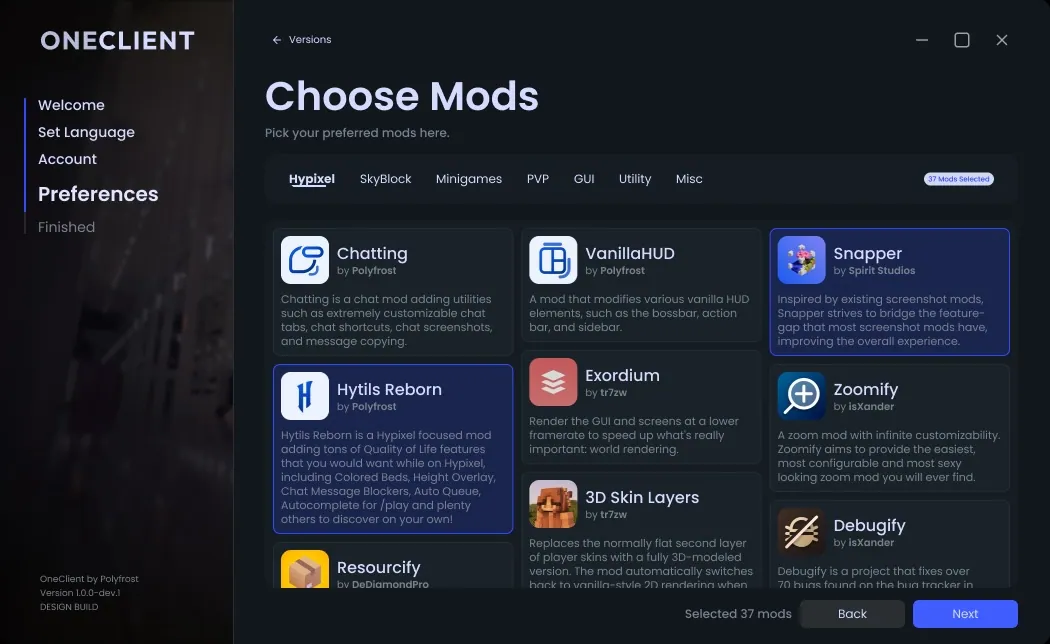

Minecraft project **OneClient** from the Polyfrost team is gaining popularity on Modrinth. According to the project card as of November 1, 2026**, the client build had more than **1.75 million downloads**. Unlike a single-mod, OneClient combines a set of optimization components, game interface customization, and HUD into one Minecraft Java Edition profile.
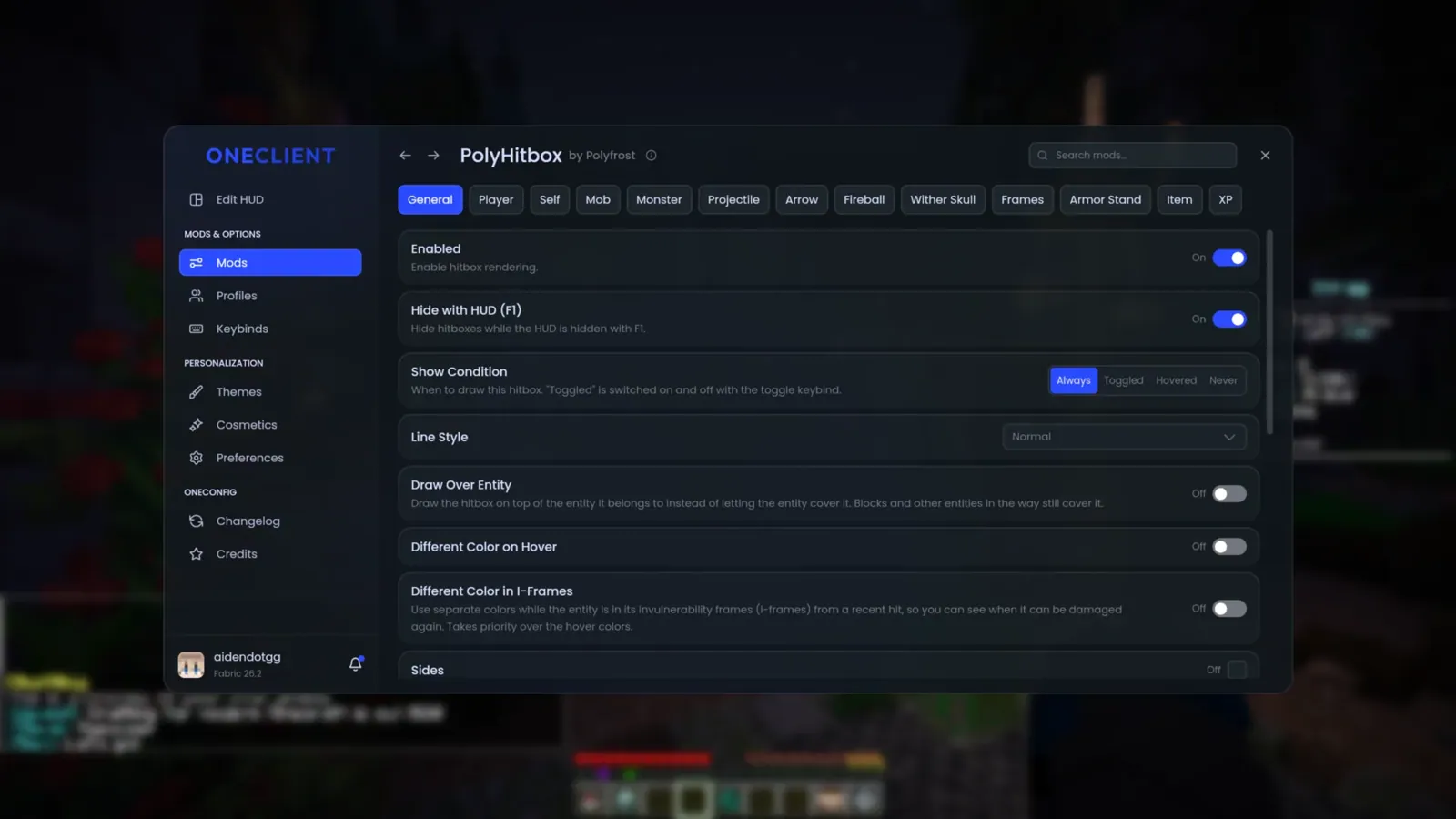
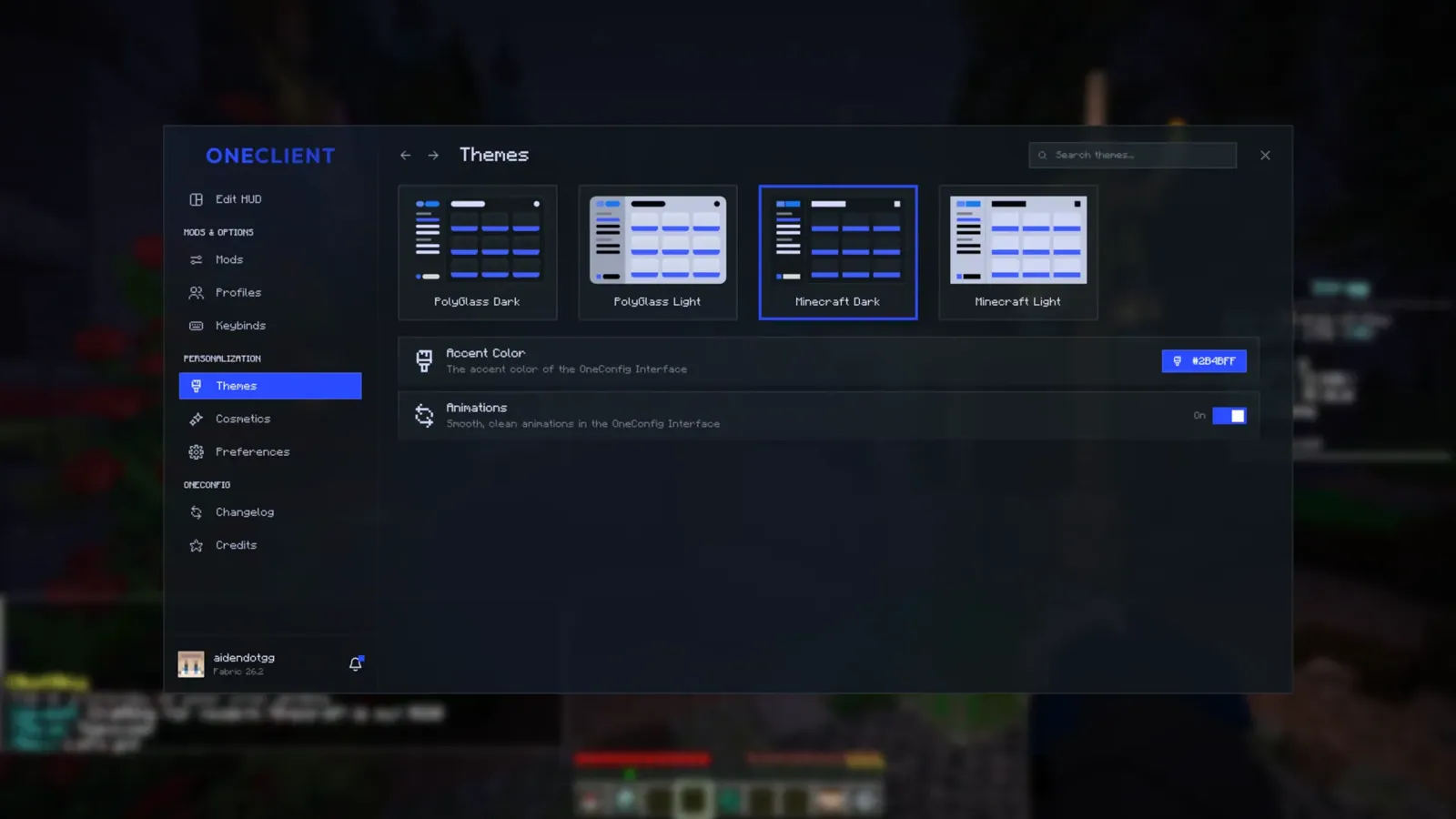
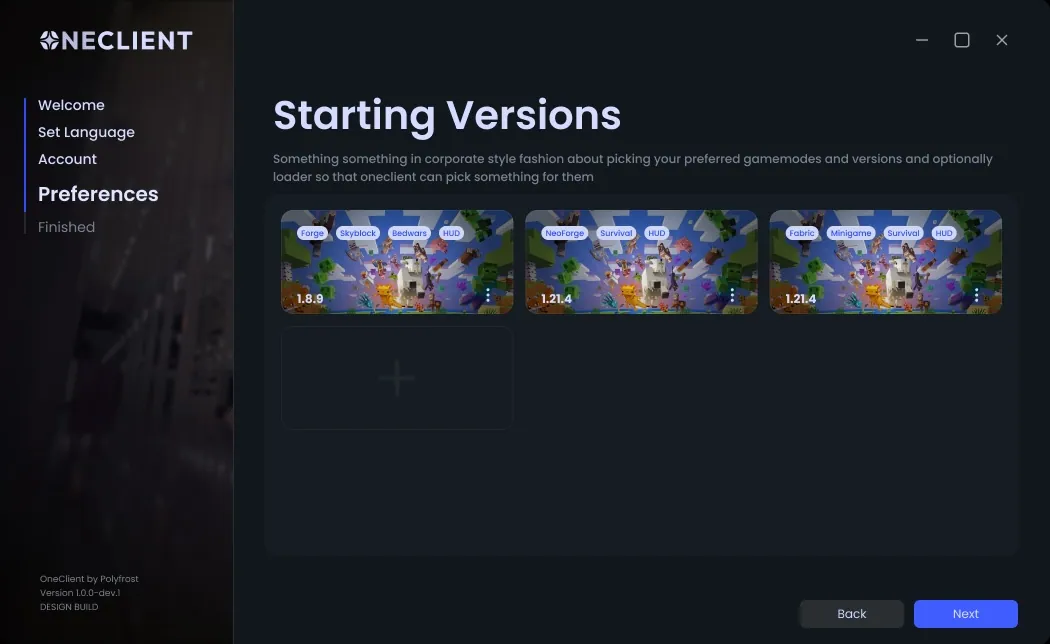
On the project page there are images of the Polyfrost interface and the official banner. We have saved the illustrations on BlockRadar and are publishing them with the source. Screenshots show mod settings and design themes; some of the frames of the initial setup are taken from a developer presentation, so the appearance of the current release may differ.
What OneClient offers
** Performance** is a central theme of the project. The team claims to have a large number of optimization mods and a proprietary interface on PolyCompose. The authors compare the kit to Fabulously Optimized and other customers, but for now that's their claim: without independent measurements of FPS on the same hardware, you can't call OneClient guaranteed to be the fastest.
** Interface and HUD.** Polyfrost uses OneConfig for centralized settings, as well as its own components EvergreenHUD and VanillaHUD. Official materials show the screens control mods, settings and visual themes, the player does not have to collect all the elements of the design manually from scratch.
**Game usability.** Quality of Life features and world hosting are among the claimed features. The set of specific mods and features depends on the build version, so it is worth checking the official list of components before downloading.
Is it a mod or a plugin?
OneClient is a Fabric client modpack for Minecraft Java Edition, not a Paper/Spigot server plugin or a separate JAR file. It is installed through the Modrinth App or other launcher with support for modpacks. The .mrpack package needs to be imported into the launcher, not copied to the mods folder.
Modrinth lists versions of Minecraft 1.21.1, 1.21.10–1.21.11, 26.1.2, 26.2 and 26.3. Select a specific release for your own version of the game; the information is updated by the developer.
Why the players are interested
The interest in ready-made optimized builds is explained: most users do not need a list of dozens of individual components, but a working game profile with clear settings. OneClient offers exactly this format and relies on a visual interface. The strength of the approach is a convenient start; the possible limitations are the dependence on the relevance of releases and the compatibility of components.
For Hypixel SkyBlock there is OneClient SkyBlock on BlockRadar: the build contains SkyHanni, Skyblocker, SkyOcean, Odin and specialized HUD. Details, compatibility and instructions are in a separate card. This is not a new release of the usual build.
Where to download and read the instructions
We placed it. OneClient in the catalog of mods and client builds BlockRadar - there are collected screenshots, features, compatibility and a link to the official file. A more detailed analysis of FPS, interface and installation - in The OneClient Guide.
**Sources:** [Modrinth — OneClient](https://modrinth.com/modpack/oneclient-modpack), [Polyfrost — OneClient](https://polyfrost.org/projects/oneclient/) and [presentation of the Polyfrost interface](https://polyfrost.org/blog/oneclient-announcement/). Images belong to their authors and are published with the original source.