Minecraft Bedrock 26.60: Switching to NetherNet – How to Fix Server Connection
After Bedrock 26.60 update, does the server not connect? We tell you how to transfer Geyser to NetherNet, open TCP / UDP ports, configure cross-platform and check for connection errors.
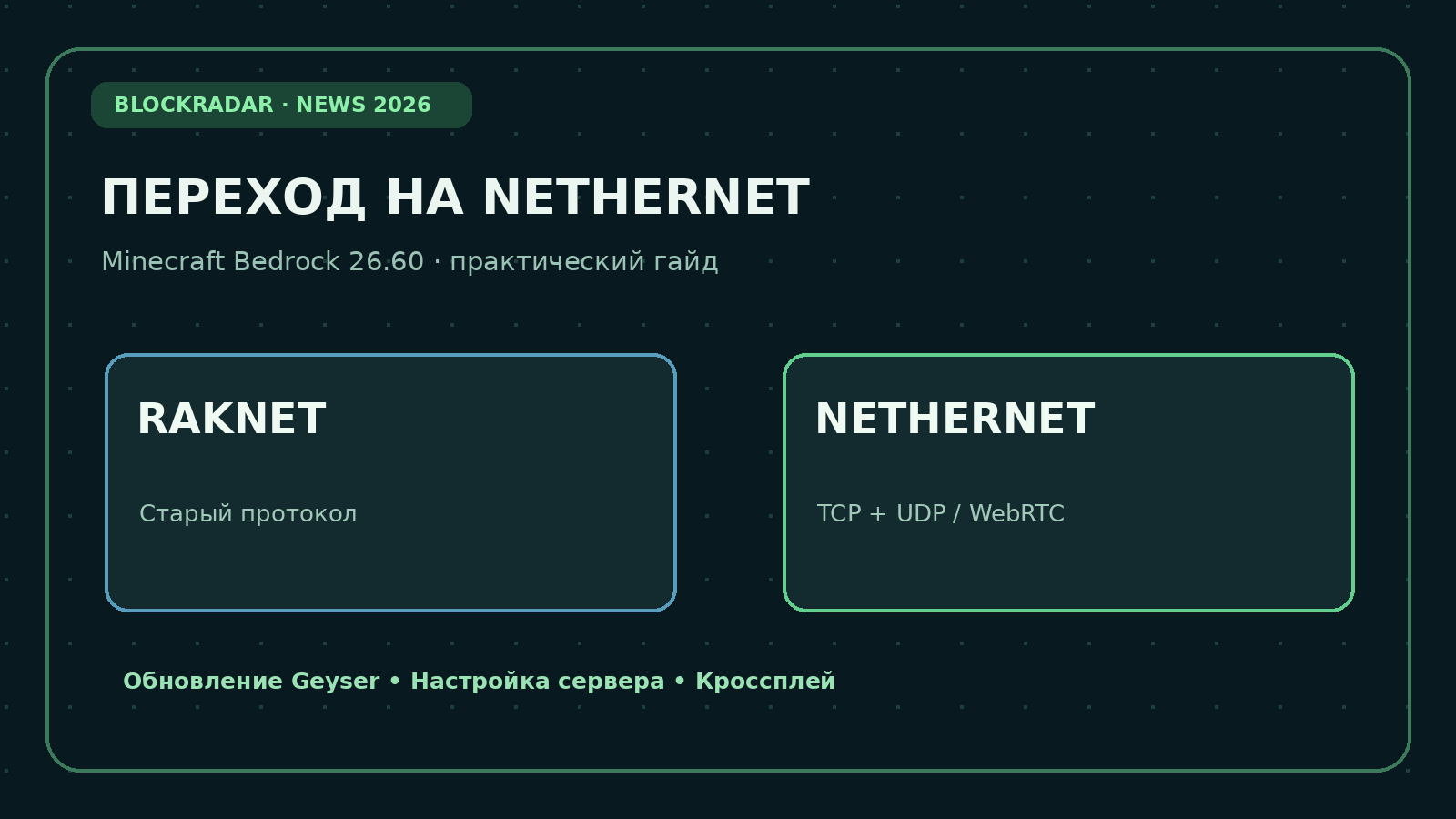
27 October 2026 Minecraft Bedrock 26.60 has been updated. For server owners, this is more important than the usual set of fixes: Bedrock customers have switched from outdated RakNet transport to a new one. NetherNetIf the updated player sees a connection error, the reason may not be in the Internet, but in the network configuration of the server.
Below is a clear instruction for Set up NetherNet in GeyserFloodgate update, TCP/UDP ports check, WebRTC problem solving, and Minecraft Bedrock server search. Instructions separate Java cross-spray servers and regular Bedrock Dedicated Server servers: these are two different cases.
In Short: What the Server Owner Needs to Do
- Paper / Spigot + Geyser: Update Geyser, enable transport: nethernet, open TCP and UDP on Bedrock port, restart and test the entrance.
- Velocity / BungeeCord: Update Geyser to a proxy, change its configuration and network rules; do not install a second Geyser on each server per proxy.
- Bedrock Dedicated Server: Update the official server build, check NetherNet support and network rules; Geyser is not needed.
- Player: install the current Minecraft Bedrock, check the address and port, if necessary, contact the server owner.
What has changed: RakNet vs NetherNet
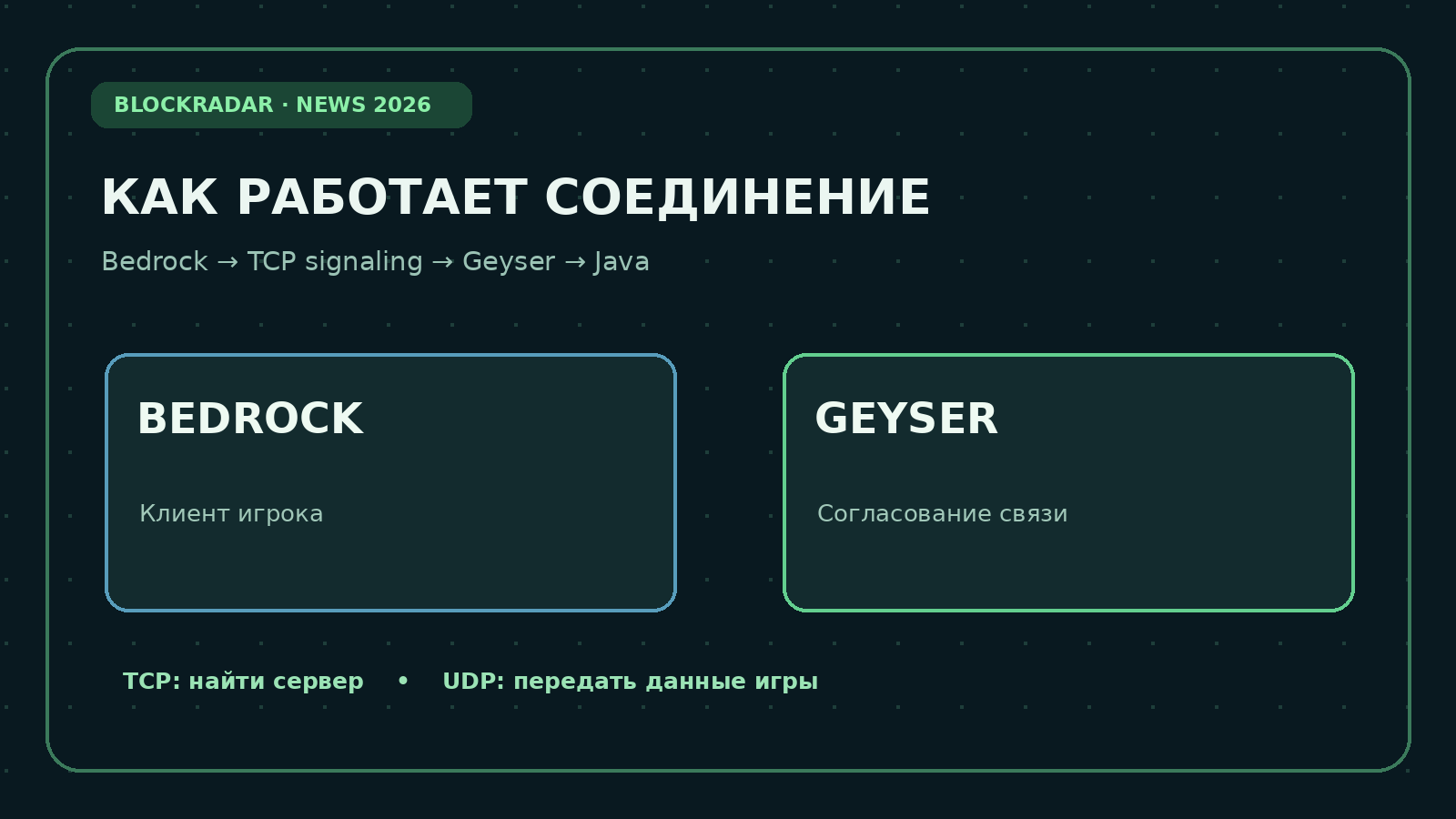
Previously, a Bedrock client communicated with a game server directly via UDP via RakNet. Now NetherNet is adding Connection coordination (signaling): Bedrock first accesses TCP, receives session settings, then exchanges the game via WebRTC over UDP. Even if UDP is open, without a correct TCP server, the server may not appear in the list or reject the connection.
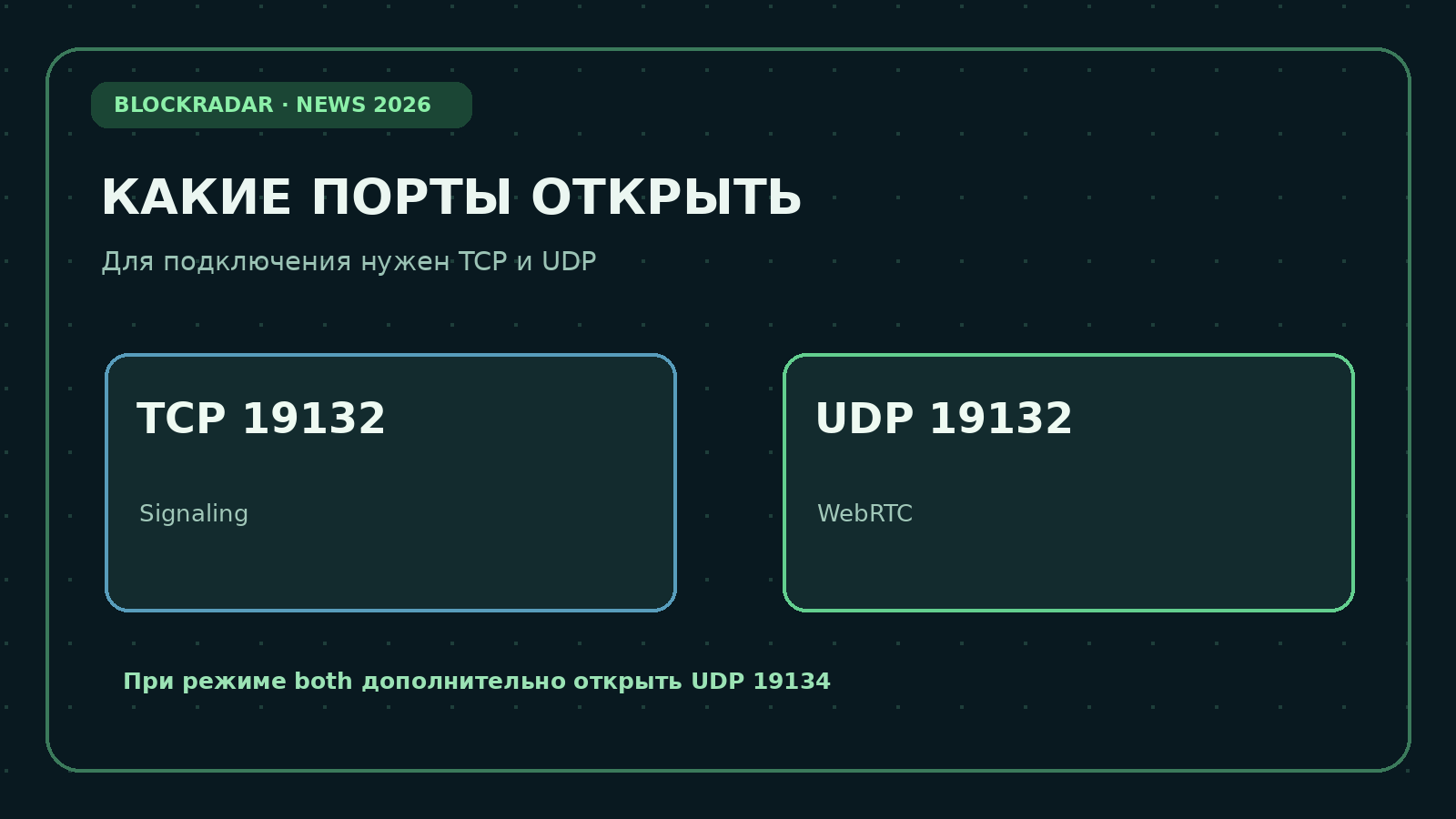
For standard Geyser is convenient to use One port number 19132, but two protocols are TCP 19132 and UDP 19132.The number can be changed, but it must match the actual setup and network rules.
Instruction 1: Switch to NetherNet for Paper and Spigot
Step 1. Create a backup copy
Stop the server, save worlds, plugins/Geyser-Spigot and plugins/floodgate folders, and proxy configurations and access files. When updating, do not delete the existing settings without a copy.
Step 2. Download verified files from BlockRadar
BlockRadar hosts unmodified copies of official developer builds; checksums are checked against release APIs before publication. For Paper/Spigot, use:
- Geyser License (MIT) and Floodgate license (MIT) - copyright notices.
Geyser Bedrock connects to the Java server. Floodgate - If necessary, authorize Bedrock players without a separate Java license. Floodgate is not a replacement for NetherNet.
These local files are recorded versions of the 29 October 2026It is not an automatic update to “latest”. Assemblies Geyser 1237 and later support NetherNet; fresh fixes can be released after the instruction is published.
SHA-256 Geyser-Spigot: d747d9f0b74370fae40e1c329193cf178bcb3fc3b2adc51cbe618ad4cfaf8945
SHA-256 Floodgate-Spigot: 21570aff9ce17d6983928e8552777760e1ede5050026b04c686b0ae112e6fd7e
Step 3. Replace the plugins
With the server stopped, remove the old Geyser-Spigot.jar from the plugins folder and put a new one there. If you use Floodgate, replace it with JAR. Do not leave two versions of the same plugin – this causes download errors.
Run the server once and make sure the plugins are loaded. If necessary, stop the server before editing config.yml.
Step 4. Enable NetherNet in the configuration
Open the file. plugins/Geyser-Spigot/config.ymlIn the bedrock section, parameters must be set:
bedrock:
  port: 19132
  transport: nethernet
It's fragmentNot all config.yml: Do not delete other settings, secrets, and anchor settings. If the Geyser port previously coincided with the Java port 25565, select a separate number (e.g., 19132) – the TCP port cannot be used simultaneously by another service.
Some hosts use the clone-remote-port option. For conventional built-in signaling, don’t expect the shared Java port to work automatically: agree on a separate TCP/UDP port or configure the external signaling provided by the developers.
Step 5. Open TCP and UDP
When set up above 19132/TCP needed for signaling, 19132/UDPIf the server is behind the home router, configure the transfer of both protocols to the desired computer.
On Ubuntu with UFW enabled:
sudo ufw allow 19132/tcp
sudo ufw allow 19132/udp
sudo ufw status
For Docker, publish both protocols, such as:
ports:
  - "19132:19132"
  - "19132:19132/udp"
On hosting with only UDP ports, ask for support to allocate TCP/UDP to NetherNet. Some network filters for games have a Minecraft Bedrock rule designed for the old RakNet; in this case, you need a resolution TCP/UDP profile that is compatible with WebRTC.
Step 6. Restart and test.
Completely restart the server, not just reload plugins. Check the startup log for Geyser, bind, signaling, and transport errors. Connect. from the real Bedrock client version 26.60 From Phone or Windows: Check the server list, login, exit, and re-entry.
Instruction #2: Velocity, BungeeCord and several Java servers
If you have a network of servers, install Geyser on an input proxy and configure its ports on that node. Check that the incoming TCP/UDP is coming to the proxy and that the forwarding settings are correct. If necessary, use Floodgate for consistent network authorization.
The configuration of the transport in the corresponding config.yml proxy is similar:
bedrock:
  port: 19132
  transport: nethernet
Do not place two listeners on the same TCP port. If the incoming proxy port is already occupied by the Java server, assign a separate Bedrock port and let the players know the new address/port.
Instruction 3: Official Bedrock Dedicated Server
If you Not a Java server with Geyser, but a Bedrock Dedicated ServerGeyser does not need to be installed.
- Create a copy of the worlds, server.properties, allowlist.json and additional configurations.
- Get the latest official Bedrock Dedicated Server build from your Mojang/Minecraft permissioned channel or your hosting panel.
- Update server binary files according to the supplier’s instructions, saving worlds and configurations.
- Check the launch messages about NetherNet support and the available network settings for your server build.
- Check that the Bedrock 26.60 client sees the server and can log in from an external network.
Do not copy Geyser settings to server.properties Bedrock Dedicated Server: these programs are designed differently. Official Minecraft binary files are not placed on BlockRadar Only Geyser/Floodgate plugins are available here.
Do I need to support the old RakNet and the new NetherNet at the same time?
If players with old Bedrock builds still log in to the server, Geyser allows a temporary mode. bothFor WebRTC, ask separate UDP portNot equal to the RakNet port:
bedrock:
  port: 19132
  transport: both
  webrtc-port: 19134
Open TCP 19132, UDP 19132 and additionally UDP 19134. Mode is only needed when you really need to serve older versions; current clients are focused on NetherNet.
Why is there a Trust on First Use warning at the entrance?
For IP addresses and servers without HTTPS matching, Bedrock can show an initial trust request. This is the expected behavior of built-in HTTP signaling, but the player should still check the server address. To reduce alerts, owners can set up HTTPS with a valid certificate or compatible external signaling.
Don’t try to resolve the error by disabling customer protection. First, check the correctness of the address, ports and certificate.
Minecraft Bedrock 26.60: Diagnostic table
The server does not appear in the list.
It's closed. TCP port signaling The old Geyser still uses RakNet. Check transport: nethernet, TCP 19132 and launch messages.
The server is displayed, but freezes when entering.
Check. UDP/WebRTC (for standard UDP 19132 mode), network hosting filter, address behind NAT and Geyser log. In both mode, check for additional webrtc-port.
Error Address already in use
One of the ports is engaged in another process. Move Geyser’s Bedrock port or resolve the conflict; simply opening a port in a firewall won’t fix a busy socket.
After the update does not allow players without a Java account
Check out Floodgate and Geyser authentication type. NetherNet and Floodgate authorization are different tasks.
Everything works on the server, but the friend doesn't come in.
Check the connection from the external Internet, not just the localhost. For home networks you need port diffuser; for VPS - the rules of the provider and the local firewall. Compare the address the player uses with the actual public IP and port.
How to check the problem technically?
Save a fragment of Geyser logs after the error and execute the command /geyser dumpBefore submitting your diagnostic report, check your personal and technical details.
Where to Find Working Bedrock Servers
If you want to play immediately, and not to engage in hosting, on BlockRadar you can choose a server by version, online, mode and availability:
- Minecraft Bedrock servers – IP, online and filters
- Java + Bedrock servers with crossplay
- [All Minecraft servers in BlockRadar monitoring](/)
Important: The Bedrock/crossplay tag shows performance from the monitoring, but does not guarantee that the server has already completed the transition to NetherNet. Check the current status and supported version in the card.
Answers to frequent questions
Do I need to update Paper because of NetherNet?
The transition itself concerns Bedrock connectivity. Paper and the Java protocol remain separate; it is important that current versions of Paper, Geyser, and plugins are compatible.
What port is used in NetherNet?
In standard Geyser, it's a number. 19132 simultaneously via TCP and UDPIt may differ in your configuration.
Do I need to install Floodgate?
Not necessarily. It is needed for the selected Bedrock player authorization scheme on the Java server, not for the signaling itself.
Why does Minecraft say, “It’s not possible to connect to the world” after the update?
There are several reasons: the server still works through RakNet, closed TCP or UDP, outdated plugins, the client does not match the version or incorrectly configured authorization. First, check the protocol and ports, then log.
Can I download a ready-made Geyser on BlockRadar?
Yeah. This page contains local copies of verified Paper/Spigot builds. It's non-modeFor Velocity/BungeeCord, you need the appropriate options, do not put Spigot JAR on a proxy.
Bottom line: checklist for 2 minutes
- [ ] A backup copy of the server has been created.
- Geyser has been updated to build with NetherNet.
- [ ] Config.yml selects transport: nethernet.
- TCP signaling port is open.
- The UDP port of WebRTC is open.
- The actual entrance from Bedrock 26.60 was tested.
- [ ] Console messages, authorization and crossplay are checked.
Sources of facts: The official Mojang change log (27.10.2026), GeyserMC’s technical guide to NetherNet (08.10.2026) and GeyserMC’s setup documentation. Geyser and Floodgate files are distributed under an MIT license; links to third-party sites are not intentionally posted.
Select a Bedrock server for the game · Find a server with crossplay