Six Malicious Minecraft Mods Found on Modrinth: Affected Versions and Account Protection
The researchers found that six Modrinth 1.0.1 mods had hidden code downloads. The mods were deleted on October 27, 2026, but previously downloaded files can remain with players.
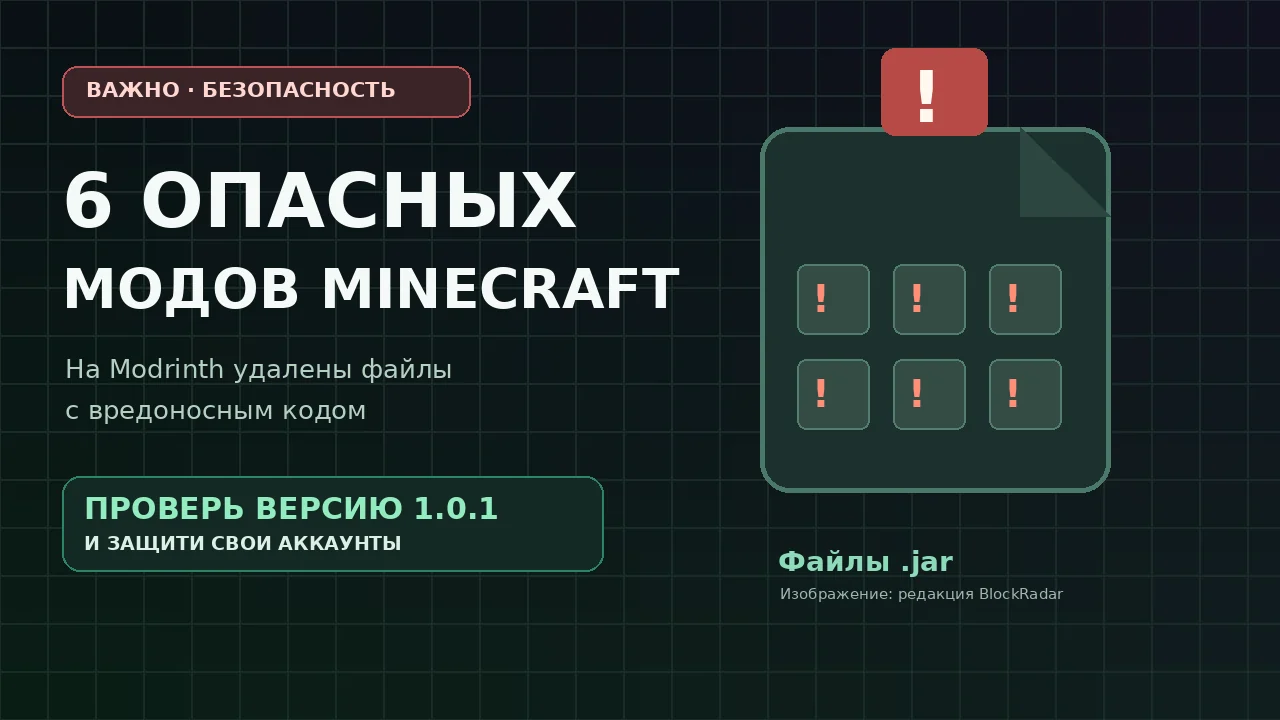
27 on October 2026, the Modgrade team reported on six small Minecraft mods that detected hidden program downloads. The malicious behavior was found by the researchers in the 1.0.1 version. The publication is based on a technical analysis by the Modgrade team and the Haxy researcher: This is not an assessment of the entire Modrinth library.
What six mods were called dangerous
- Hard Crafting – Check the 1.0.1 version file.
- Mob Scale Randomizer – Check the 1.0.1 version file.
- Choose Player Size – Check the 1.0.1 version file.
- Something in the Ground - Check the file version 1.0.1.
- Damage Calculator – Check the 1.0.1 version file.
- Ender Pearl Timer – The 1.0.1 version contained a similar code, but, according to the authors of the investigation, due to a launch error, the game stopped before the bootloader execution.
Clarification: The researchers found no malicious code in the studied files of version 1.0.0 of these six projects. This does not mean that any 1.0.0 file or similar mod is automatically secure. Verify the exact name of the project and the checksum of the file with the technical report.
How the attack was staged
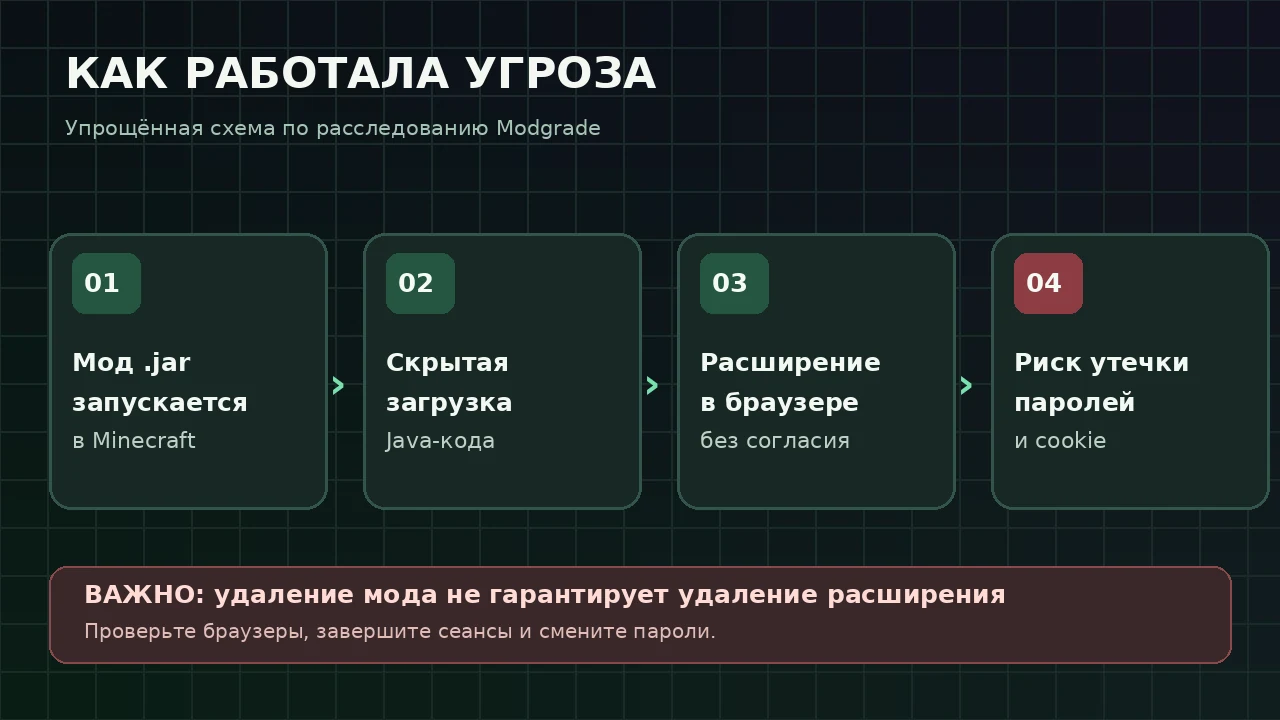
According to Modgrade, after the launch of Minecraft, the installed mod turned to the remote server for an alleged “update”, received Java code and executed it. The program could add a third-party extension to the browsers Chrome, Edge, Opera, Opera GX and Brave.
The researchers found that the extension was intended to collect entered data, including passwords and card details, as well as authorization cookies. This creates a risk of access to gaming, email and other accounts. In the blockchain, Firefox was not the goal of expansion.
It is important to distinguish between possibility and confirmed damage: the presence of malicious code does not mean that every downloaded player has actually had data stolen. The 1,150 downloads of dangerous versions mentioned by the researchers are not the number of confirmed victims.
Have infected files been deleted from Modrinth?
Yeah. Modrinth removed all six projects on October 27 after notifying the researchers. But deleting the site does not erase files already stored on players’ computers or in third-party builds. Therefore, you need to check both the mods folder and the browser.
What to do if one of the mods has been installed
- Delete the suspicious .jar file from the mods Minecraft folder. Do not re-start it for the sake of checking.
- Open the list of extensions in each installed browser and in all profiles. Remove unknown add-ons, check the developer mode.
- Run a full computer check with the current antivirus. If you find threats, use your recommendations.
- From a clean device, complete active sessions on important accounts, including Microsoft, email, and Discord.
- Change the passwords that were entered after installing the suspicious mod and enable two-factor authentication.
- If you have entered bank details, contact the bank and clarify the protection measures. If your computer is working or school, contact your administrator.
- If you are in doubt about cleaning the system, do not enter new passwords on a suspicious device before being checked by a specialist.
Regular reinstallation of Minecraft does not guarantee the removal of the browser extension. Installing a mode “only from a known directory” also does not replace checking the file and its version.
Where to check fashions and primary sources
A complete technical analysis, listing of specific versions and checksums are published in Modgrade investigationYou can search for known suspicious files through the Scanner tool on the same site. r/feedthebeast.
Sources published on October 27, 2026. This article is a warning about detected files, not a statement about infecting other mods or all Modrinth users.