Minecraft Java 1.12.2 remains useful for players who want an older Minecraft environment, often because a favorite server or modpack was built for that release. It plays differently from modern Java versions: world features, blocks and mod dependencies are tied to its era, and the server may run custom plugins. Choosing the right 1.12.2 survival world is as important as choosing the correct launcher profile.
This guide covers a safe first start, server selection, compatibility and ways to protect your progress.
What to expect from 1.12.2 survival
In survival mode you gather materials, manage food and health, craft tools, build shelter and explore a procedurally generated world. The mechanics feel familiar, but do not expect later Minecraft content or the same world generation as newer Java editions.
A server advertising "vanilla 1.12.2" may still use performance, moderation or land-protection plugins. Other servers explicitly require Forge and a modpack. Ask which category the project belongs to before downloading files.
For a version-specific list, explore Minecraft Survival 1.12.2 servers.
Five criteria for a good long-term server
- Supported client version. Check whether Java 1.12.2 is required, optional or part of a multi-version proxy. The listed version is useful but not always a complete compatibility matrix.
- World persistence. Does the operator announce wipes or map resets? For a long-term base, a stable world policy is essential.
- Protection and griefing rules. Find out whether the server offers land claims, locked chests or staff assistance after theft.
- Community and moderation. Look for understandable chat rules, active players and consistent handling of abuse.
- Server reliability. Compare recent online checks, downtime history and whether unexpected restarts cause lost progress.
Do not treat a large player count as proof of good gameplay. A smaller server with friendly neighbors and clear rules can be a better place to build.
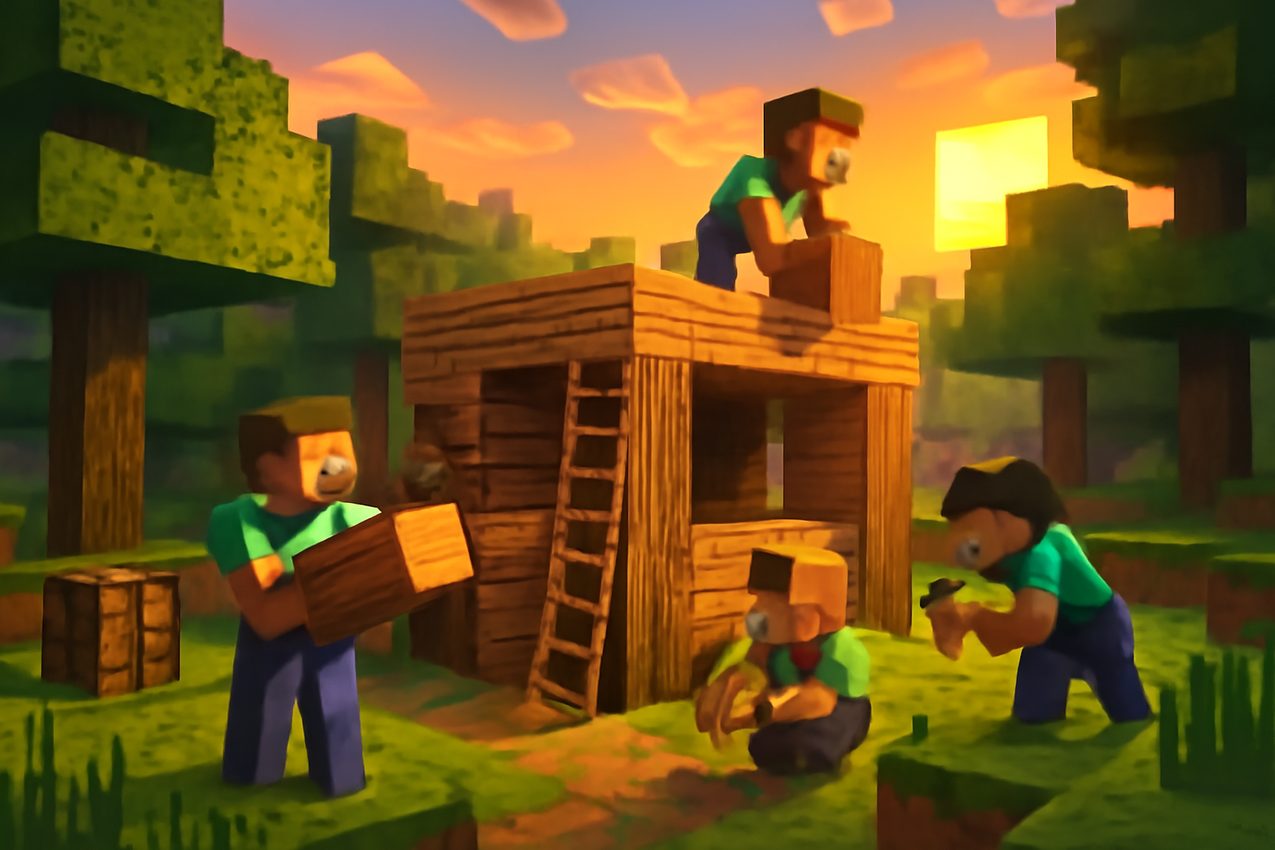
Install the correct Java Edition profile
Open the Minecraft Launcher and create or select an installation for Java Edition 1.12.2. If the game is already running on another version, keep your 1.12.2 world and mods in a separate launcher directory when possible.
If the server requires Forge, install the exact Forge release recommended by its operator and download the authorized modpack. A JAR made for another Minecraft version will not become compatible simply by renaming it.
For servers that allow an unmodded client, avoid unnecessary third-party installers. If you cannot connect, start with the standard Java profile before adding optional mods.
Java runtime expectations also differ for old modpacks. Follow the server pack's documented supported Java version rather than assuming the newest installed Java is always appropriate.
Your first day: establish a stable base
At spawn, read the welcome instructions and determine whether the server is survival-only or combines several worlds. Check how far you must travel before building is allowed.
Gather wood, basic food and common materials. Create a shelter and a safe storage area before exploring distant caves. If the server uses claims, protect the land before placing valuable items inside a new base.
Consider working with trusted players, but ask about shared inventories and group permissions first. A convenient teleport command is not universal, and trading rules vary between servers.
If you intend to stay for weeks, learn the operator's world backup and inactivity policies. A world advertised as "no wipes" is still subject to technical incidents, so keep your expectations realistic.
Understand the economy and plugins
Some 1.12.2 survival servers have player shops, in-game currency, claims and teleport features. Others intentionally avoid most extras. Those systems come from the server, not automatically from the vanilla version.
Check whether automated farms are permitted, whether there are item limits or anti-lag measures, and what happens when chunks are unloaded. Avoid building a large redstone machine before understanding restrictions.
A transparent shop and clear rules are more important than promises of "unlimited rewards." Do not use external links that demand account passwords or recovery codes.
Fix common connection errors
Incompatible version. Choose the correct Minecraft Java profile and verify the advertised server version. A newer client may not be accepted, even if the server has a modern proxy.
Required mods missing. Read the server's modpack documentation and compare loader and file versions. Do not mix several packs in a single mods directory.
Timeout or high latency. Check the latest server status and try a stable network connection. Local ping to a directory is not a substitute for in-game latency.
Whitelist or account rejection. Confirm whether registration, a legitimate account or staff approval is required. Read the exact error rather than repeatedly changing settings.
Crash before joining. Test a clean profile and inspect the game log. Older Java modpacks may need a specific runtime version and memory configuration.
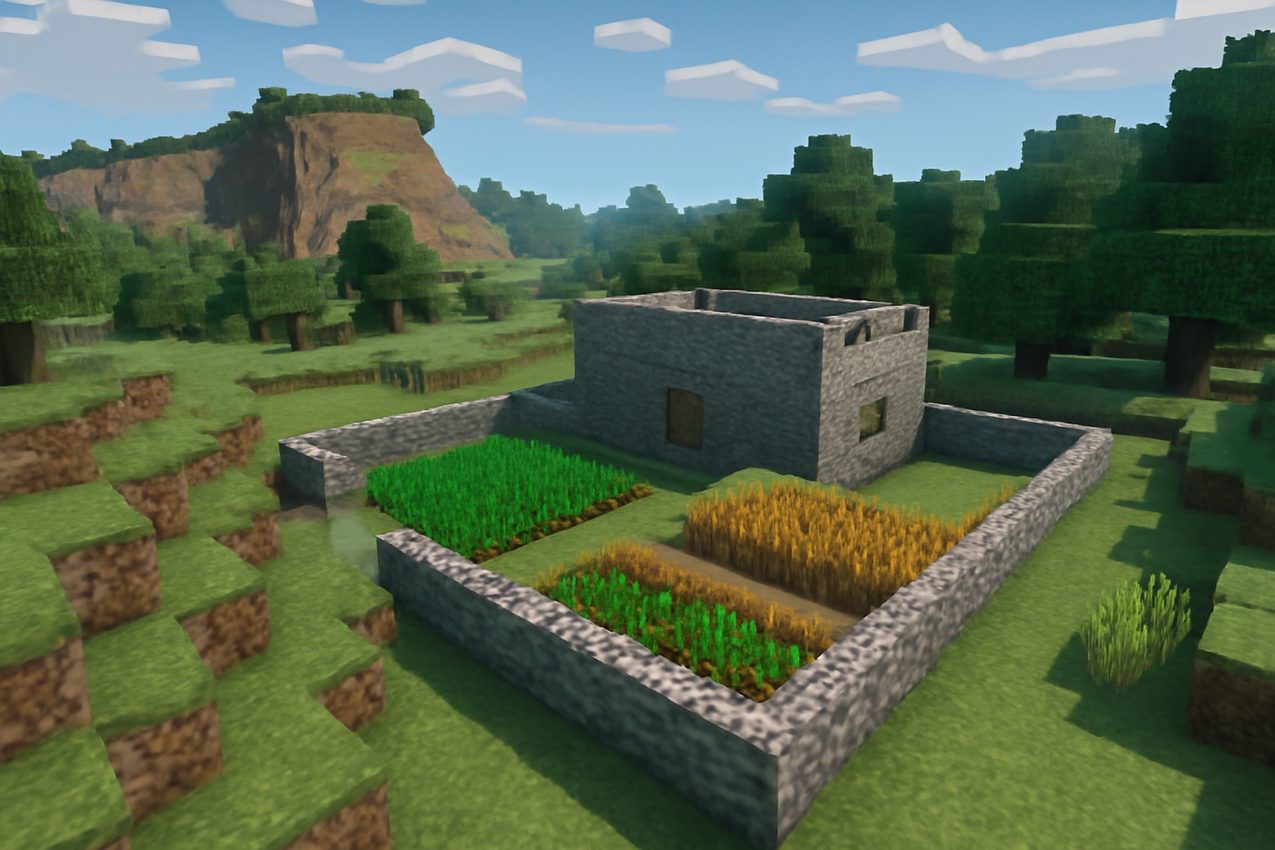
Choosing between older and newer Minecraft
Use 1.12.2 if a favorite community, modpack or gameplay style depends on it. Choose a newer release if you want recent official blocks, biomes and mechanics without relying on server modifications.
Neither version is automatically "best." A modern client cannot necessarily connect to an older modded server, and a long-lived server may have a deliberately restricted feature set.
Pre-join checklist
Confirm Java 1.12.2 support, a clean launcher profile, required Forge/modpack setup, current server availability and clear protection rules. Check the wipe policy before investing heavily in a permanent base.
A reliable survival community is the one whose technical requirements and rules you understand before you start collecting your first chest of resources.