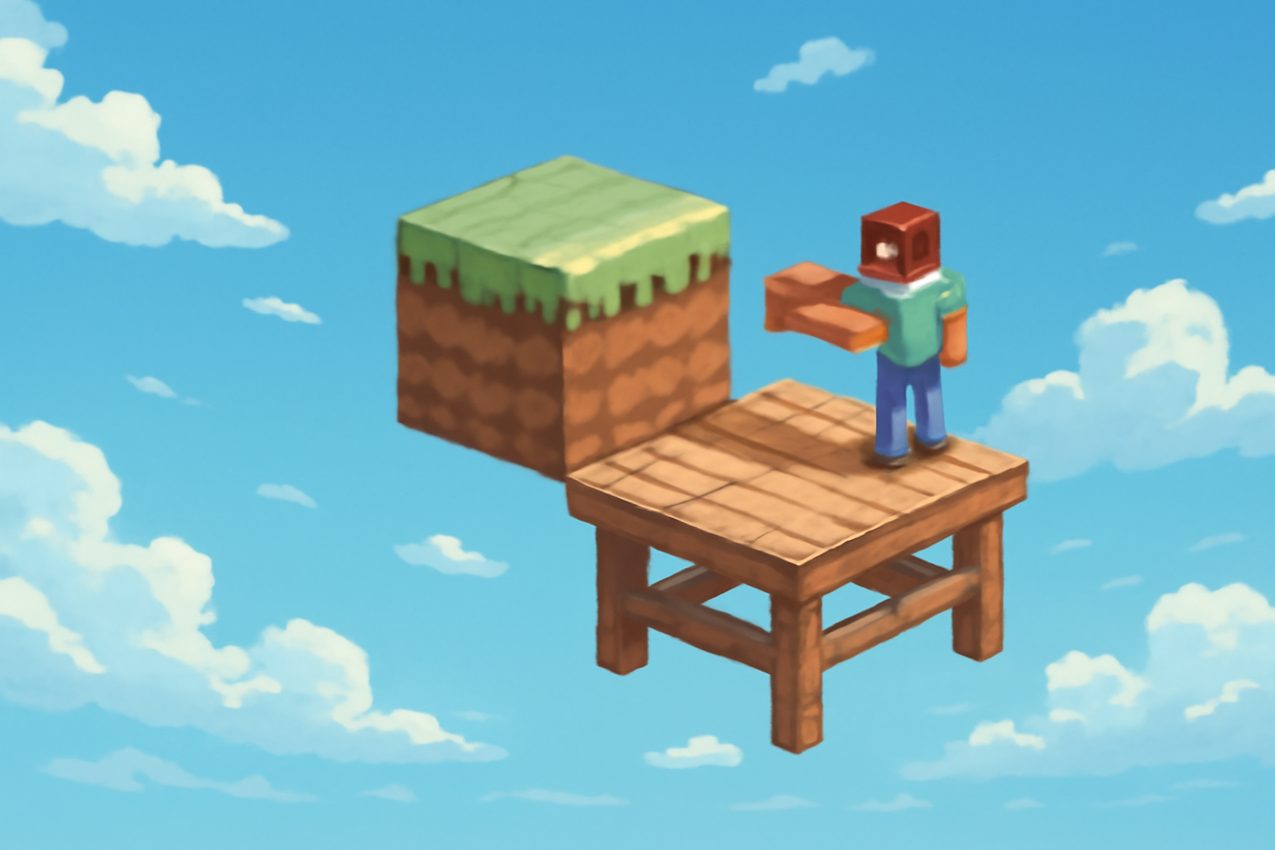
One Block is a special mode for Minecraft Java 1.21, where everything starts with literally one block of earth hovering in the void. The player will have to survive, expanding his island, going through stages of development and facing unexpected difficulties. The mode has become popular due to its simplicity, but at the same time requires non-standard thinking and accuracy. Here it is important not only to survive, but also to develop the island competently, because every mistake can cost the loss of resources or even progress. For a successful start, it is important to choose the right server, take into account its features and be prepared for typical connection problems. In this article, you will learn how the mode on version 1.21 works, what to pay attention to when choosing a server, how not to encounter errors and what rules to follow for a comfortable game. A handy BlockRadar directory will help you quickly find the best option for your style of play.
What is One Unit 1.21 and why is it so popular?
Minecraft Java 1.21’s One Block Mode is a survival experience on a tiny island that starts with just one block. Each interaction with the central block generates a new resource or mob, and the island itself is gradually expanding through your efforts. This is a great opportunity to test your ingenuity and learn how to save resources.
The popularity of the regime is explained by a combination of simplicity and depth: anyone can start, but development requires attentiveness, patience and strategic thinking. On servers with One Block, additional tests are often added - quests, achievements, unique events, which makes each session unique and addictive.
Mechanics of the mode: stages of island development and typical game situations
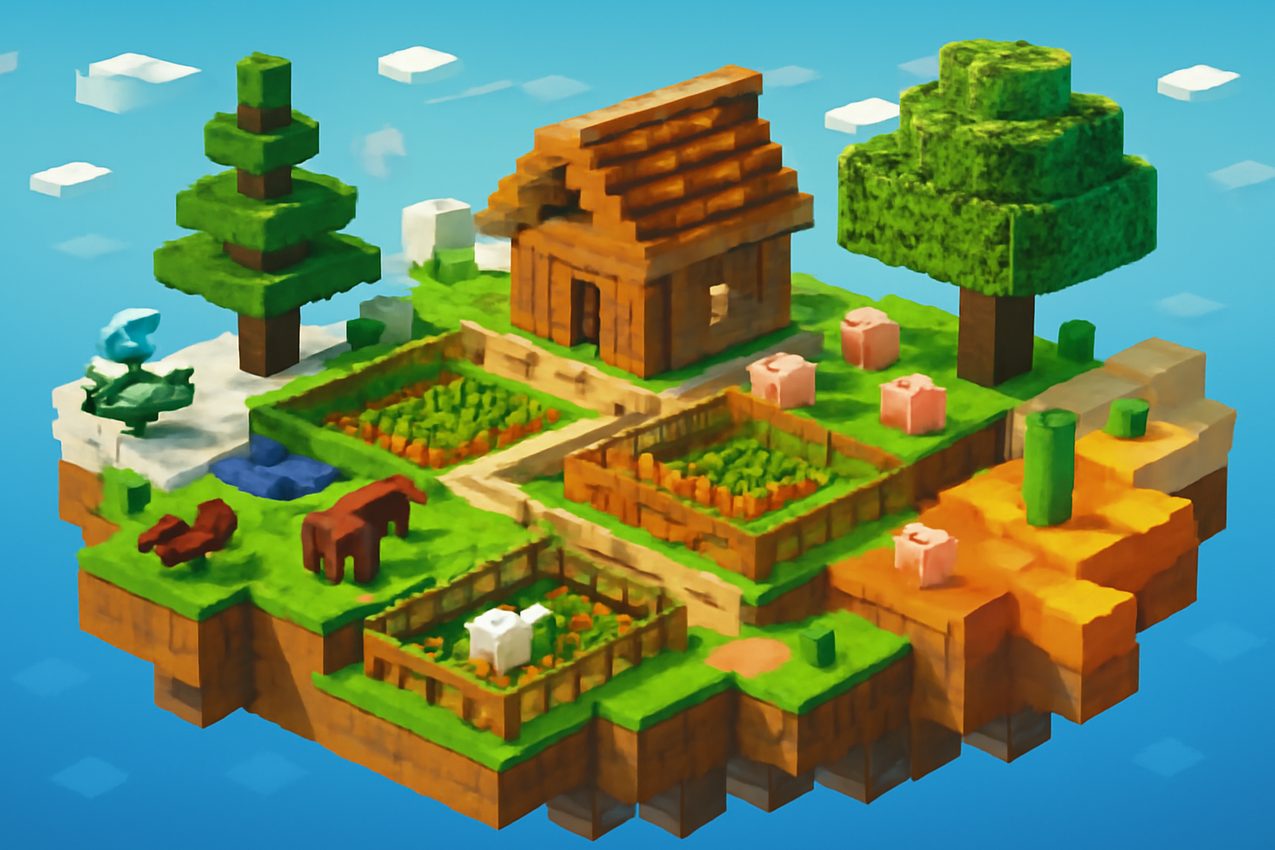
In One Block 1.21, you start with a minimum set of resources. Breaking the central block, you go through stages: first the earth and wood, then stone, iron, useful mobs and rare materials appear. Each stage opens up new opportunities for construction and automation.
Often, players are faced with the appearance of dangerous mobs or the accidental fall of valuable items into the abyss. To avoid this, it is important to quickly build a platform around the block, create barriers and traps. The island’s gradual expansion allows for the safe storage of resources, the breeding of animals and the organization of farms.
Server selection criteria: what to look for in the monitoring directory
When choosing a server for the One Block to 1.21 mode, it is important to pay attention to the version - the server must support Java Edition 1.21, otherwise some mechanics may not work correctly or not support at all. Also, study the rules of the server: whether there are restrictions on automation, whether mini-cards and third-party modifications are allowed.
Evaluate server stability: low ping and no lags are critical for a comfortable game. Check the reviews and the presence of active administration – this will help to avoid dishonest players and bugs. The BlockRadar directory allows you to quickly select servers according to version, mode and other parameters, which saves time when searching for a suitable site.
Connection errors and their solutions: frequent causes and what to do
Often encountered problems when connecting to servers One Block - mismatch of client and server versions, unstable Internet connection or IP blocking. Before connecting, make sure that the launcher selects version 1.21 of Java Edition, and the server does not require additional modifications.
If errors such as ‘Outdated Client’ or ‘Connection Timed Out’ occur, check whether the VPN is enabled and whether your client is up to date. To quickly check the ping, use the built-in monitoring tools on the BlockRadar website. In case of difficulties, you can contact the server administration through a discord or forum - often problems are solved in a few minutes.
Game rules and tips for beginners on One Block 1.21
Follow the basic rules of the server: do not use cheats, do not interfere with other players and do not destroy other people's buildings. Fair play is not only more enjoyable, but also avoids bans or other sanctions from the administration.
For a successful start, immediately expand the platform around the central block to minimize resource losses. Separate areas of storage, breeding and growing plants – this will reduce the risk of accidental destruction. Don’t rush into new phases unless you’ve prepared the basic infrastructure: sometimes it’s better to stick around and strengthen your position.
Switching to BlockRadar Servers: How to Find the Right Server Quickly
BlockRadar is a handy tool for finding servers by the right parameters. Just select the filters "One Block", "1.21" and "Java" to see only relevant sites, you can additionally sort by online, reviews or additional features.
Before connecting, study the description of the server, pay attention to the features of the mode and player reviews. This will help you avoid unpleasant surprises and find a server where your efforts will be truly appreciated. Start playing on the right server and get the most out of One Block 1.21!
Playgrounds on this topic can be found in BlockRadar server directoryOpen cards, compare status, online and customer requirements.