SMP stands for Survival Multiplayer: a Minecraft world in which players gather resources, build, explore and interact with one another over time. Some SMP communities focus on peaceful co-op builds; others add shops, factions, PvP, town systems or role-play.
Finding a good Minecraft Java 1.21 SMP server is less about discovering the largest player count and more about matching the game's rules, version and community expectations to your preferred style of play. This guide covers what SMP means, what changed in Java 1.21, how to check compatibility and how to find a world worth staying in.
SMP is a community format, not a single plugin
SMP is not a special mod or a standardized set of rules. The base experience is Survival mode with other players, but server operators can choose whether to enable grief protection, claims, PvP, shops, teleport commands, land ownership or economy plugins.
A vanilla SMP typically stays close to unmodified Minecraft mechanics. A semi-vanilla or plugin-based SMP may add conveniences such as land claims, moderation tools and player shops. A modded SMP can require a specific client modpack. No label guarantees that a project is free of donations, pay-to-win advantages or periodic world resets.
Before joining, read the rules and try to understand what kinds of projects the community actually builds.
Minecraft Java 1.21 features that matter
Java 1.21, the Tricky Trials update, added trial chambers, the Breeze, new copper and tuff blocks, the mace, wind charges and the Crafter for automated crafting. These provide fresh reasons to explore and cooperate in a persistent survival world.
However, those are features of Minecraft Java 1.21, not SMP-only mechanics. They do not mean that a particular public server has enabled every structure or allows every new item. Server configurations, world-generation boundaries and plugins may affect availability.
If you join a world that has existed since an earlier version, ask how the server handles newly generated terrain and whether old chunks are reset. Avoid assuming that upgrading the server's software automatically places new structures in explored areas.
Read the official Java 1.21 release notes for the full list of game changes.
Check community rules and protection
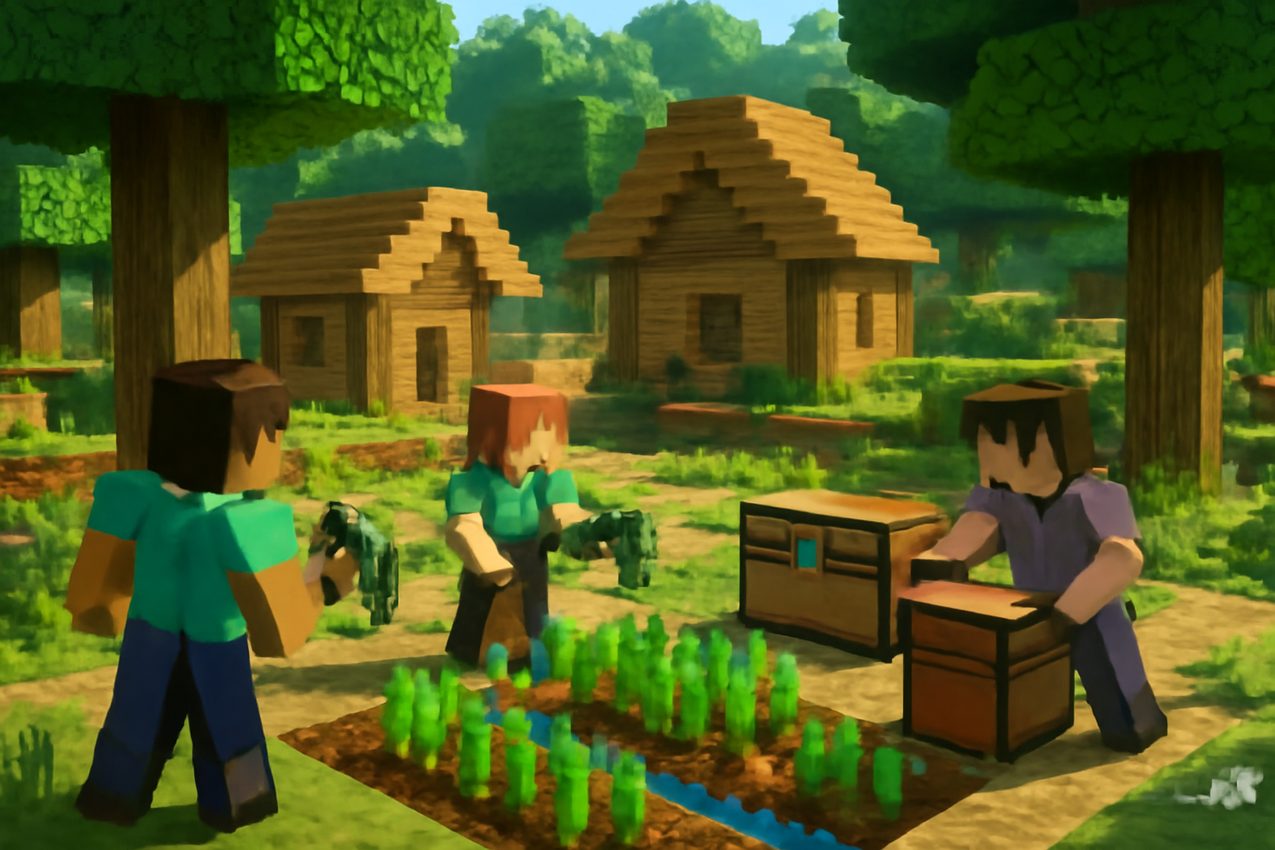
The most important difference between SMP servers is often what other players are allowed to do.
| Area | What to ask |
|---|---|
| Building | Are plots, land claims or protected areas available? |
| Griefing | Is breaking or stealing from someone else's base prohibited? |
| PvP | Are fights always allowed, opt-in, or restricted to arenas? |
| Player shops | Are prices and trading player-controlled or managed by plugins? |
| World lifespan | Are there scheduled wipes, seasonal resets or long-term maps? |
| Staff | Are moderation and appeals procedures visible to players? |
| Joining a group | Can friends form teams or share claimed land? |
| Mods | Are voice chat, minimaps, shaders or other client tools restricted? |
If you want a cooperative long-term city, choose a server where build ownership and anti-grief policies are clear. If you prefer competitive raiding, choose a community that explicitly permits it. The word “SMP” alone does not settle this.
How to judge whether a server is reliable
Use the server's published connection requirements and recent monitoring results together. A project can be online today but experience frequent restarts, high lag or long maintenance windows.
Check the most recent successful status observation, not only the large player-count number at the top of a listing. Look for a supported Java version, server rules and a working official community link. A large proxy network may show a total online population spanning several modes, while the SMP world itself is quieter.
If the project is new, try a short session: does chat moderation exist, are players welcoming, do commands work as described, and is the world responsive? Those questions cannot be settled by a rating score alone.
Install the right Minecraft version
In the Minecraft Java launcher, create a profile matching the server's documented version. A server labeled 1.21 may support exactly Java 1.21, a later 1.21.x patch, or a wider range via proxy compatibility software. Check the actual supported versions and official guidance.
If the server requires Fabric, Forge, NeoForge or a particular modpack, do not substitute a random collection of similarly named mods. Use the exact pack and loader recommended by the operator.
Java and Bedrock are distinct editions. Some networks support both through additional compatibility services, but do not assume a Java-only address works for Bedrock.
Common connection problems
Outdated client / incompatible version. Compare your launcher profile to the server's supported version. A change in one protocol version can prevent login even when both versions begin with 1.21.
Unknown host or wrong port. Check the spelling and the current address listed by the operator. A dedicated Java server can sometimes use a non-default port, while proxy-based networks may use a domain without an explicit port.
Whitelist or approval required. A private SMP may require registration or an invitation before joining. Follow the project's published entry procedure.
Timed out or disconnected. Confirm recent monitoring status, check your connection and see whether the operator has announced maintenance. Repeated disconnects may be caused by both local networking and server load.
Resource pack or mod mismatch. Check the project's required content, then launch a clean profile containing only those dependencies for troubleshooting.
When requesting help, include the error and your edition/version, but do not disclose your password or authentication tokens.
Building, trading and the first hour
If the server permits public survival play, start with a modest shelter and basic supplies rather than an elaborate base. Read the rules for resource gathering, spawn protection and land claims.
If you want to trade, find out whether the community uses vanilla bartering, chest shops or an economy plugin. Do not assume every SMP has a shop or currency system. If other players offer to share land, confirm who owns the claim and what happens when a teammate leaves.
For building projects, ask whether the server resets its map on a schedule. A world that is meant to last for months or years is very different from a short seasonal SMP.
Where BlockRadar helps
Open the Minecraft Java 1.21 SMP server directory and compare candidate projects by available game modes, reported versions, connection status and recent player counts.
Monitoring data is a snapshot. It can help you identify reachable servers and compare visible activity, but it cannot guarantee the quality of moderation, a specific ping from your location or the fairness of server rules.
Try a few promising servers before committing a large project. If possible, spend at least one regular play session there, not just a minute in the lobby.
Quick selection checklist
- The server explicitly supports your Minecraft Java version.
- PvP, raiding, claiming and griefing policies fit your preferred play style.
- The project's last successful status check is reasonably recent.
- You understand how world wipes and seasonal resets work.
- Required mods, launchers and resource packs are documented.
- Staff contacts or community rules are easy to find.
- The experience is suitable for your friends or group.
Final assessment
The best SMP is a community whose rules and technical setup match your goals. Java 1.21 supplies plenty of new content to explore, but lasting multiplayer enjoyment also depends on trust, server management, compatible clients and a stable world. Use the server directory as a shortlist, then verify the rules and test the experience yourself.
Sources: Official Minecraft Java 1.21: Tricky Trials release notes and Minecraft's overview of Survival game mode.