OneBlock is a Minecraft survival challenge that begins on a tiny platform in the void. The central block regenerates when mined, gradually providing resources, new creatures and occasional surprises. On a multiplayer server, this premise may be combined with co-op islands, economies, quests and custom progression.
The key question is not simply whether a server has a “OneBlock” tag: which version of OneBlock does it actually run, and what happens when you lose your island or items? This guide explains the gameplay, essential server checks and common connection problems without assuming that all projects implement the same rules.
How OneBlock works
The original OneBlock map by IJAMinecraft starts with a single renewable block. Breaking it produces new blocks; the map also generates chests and may spawn mobs or special encounters. Its progression includes multiple phases with different resources and challenges.
Public multiplayer servers often recreate or adapt that idea using plugins, custom islands, progression systems and other mechanics. Do not assume that every OneBlock server reproduces the map's ten phases or exact loot table. Some include island upgrades, quests, trading, island resets or entirely different drop rates.
Before investing hours, check how new materials unlock, whether the central block can be upgraded, how islands are saved and how long player progress persists.
First minutes: avoid losing your supplies
- Expand the platform carefully. Use the first safe building blocks for an area where you can stand and store items. Leave room to move without stepping into the void.
- Create protected storage. Put a chest away from the edge as soon as resources allow. On public servers, check island permissions before inviting other players.
- Prepare for mob spawns. The next generated block may bring a hostile creature. Lighting, barriers and a clear retreat path become more useful as the island grows.
- Save rare resources. Spend early iron, water and other progression items carefully. A lost item may be difficult to replace until the server unlocks another phase.
- Read the island commands. Find out whether the project provides a home command, an island reset option or a recovery system before relying on any of them.
Multiplayer OneBlock is usually more forgiving when you agree on roles: one player can build platforms, another can manage storage, while others handle mob encounters and resource farming.
Choose a server by rules, not by screenshots
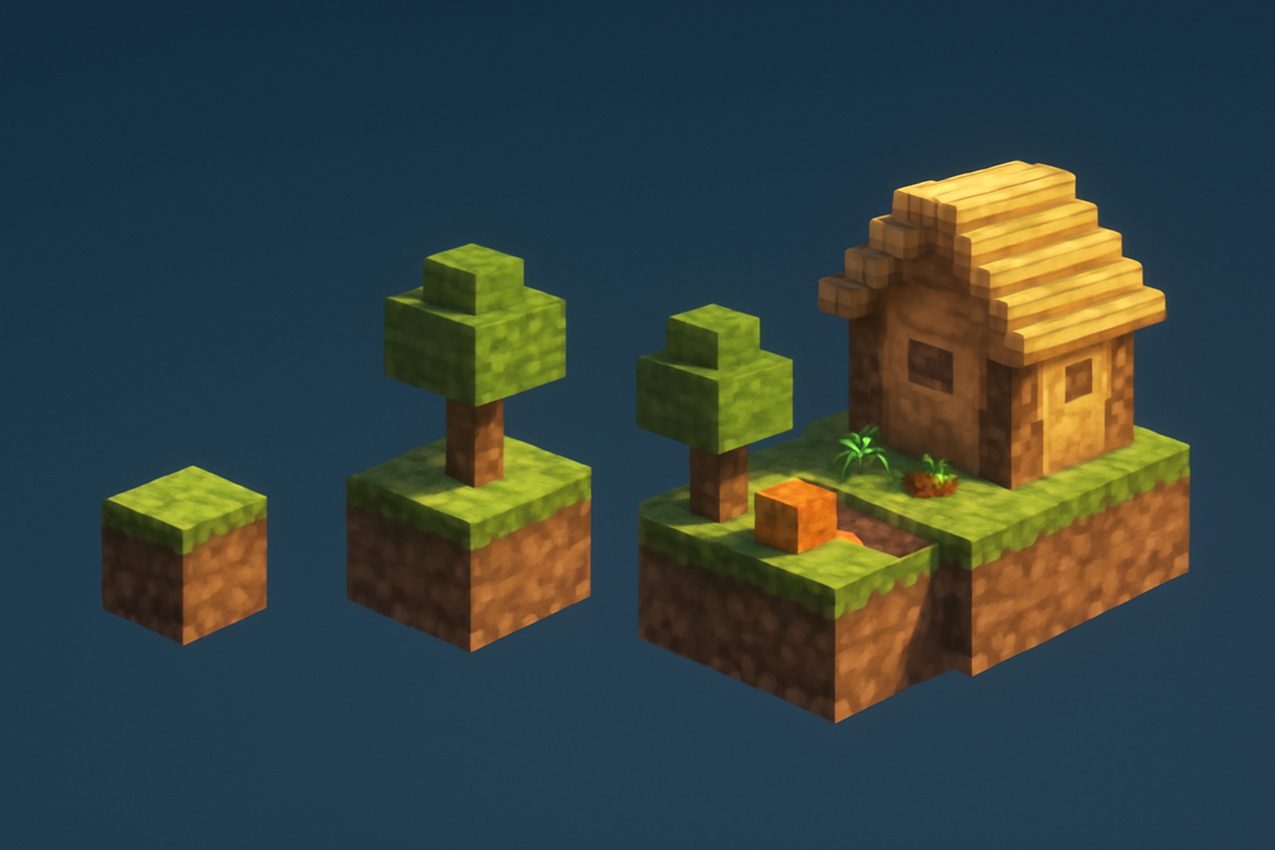
Use the following checklist when comparing OneBlock projects:
| Check | Why it matters |
|---|---|
| Java Edition and supported version | Your client must be compatible with the server's actual login protocol |
| Island ownership and team limits | Determines whether friends can play together and who controls building permissions |
| Death and void recovery rules | Some servers restore items; others do not |
| Progression and resets | Custom phases, drops, island wipes and seasons can change the core challenge |
| Server uptime and recent status | Long gaps between successful checks may indicate an unavailable project |
| PvP, trading and protection | Not every OneBlock implementation is a strictly co-operative mode |
| Optional mods or resource packs | Certain custom features may require client resources or special setup |
A high player count is not the same as a good island experience. If possible, test the first progression steps on two or three servers before choosing one for a long-term project.
Java version, mods and installation
OneBlock is a game mode or map concept, not a universal Minecraft mod that every player must install. Many servers run it entirely on the server side, while some use custom resource packs or additional client components.
If a listing says Minecraft Java 1.21, confirm whether it means exactly 1.21, the broader 1.21.x family, or a proxy that forwards multiple versions. Minecraft Java 1.21: Tricky Trials added features such as trial chambers, the Breeze and the crafter, but those features do not guarantee that a particular OneBlock server has updated its custom map or island plugin.
Choose a launcher profile that matches the supported edition and version. Avoid installing unrelated “OneBlock fixes” from unofficial download sites.
Co-op islands, trust and server etiquette
Co-operative building can make OneBlock more interesting, but it introduces permissions and inventory-sharing questions. Before inviting another player, find out whether team members can remove blocks, access chests, change permissions or delete the island.
Read the community rules. Some servers prohibit stealing and griefing; others explicitly allow raiding or PvP. Neither OneBlock nor SMP automatically guarantees protected builds. If land-claim protection exists, verify that it covers every storage container and team member.
Keep essential supplies in storage that the server considers private, and make a backup or export if the operator provides one. On seasonal servers, ask about planned resets before building a major base.
Fix common connection problems
Outdated or incompatible client. Check the version displayed by the server and confirm it with the official server instructions. Try the exact version the administrators recommend.
Wrong IP address or port. Copy the current Java address from the server's card. Remove accidental spaces; remember that a non-default port may be needed for direct connection.
Whitelist or registration required. Some projects restrict entry until an account is approved or registered. Follow their published steps; retrying with random accounts will not bypass a whitelist.
Connection timed out or unreachable. Check whether the server responds in recent monitoring results. If it is offline or restarting, waiting for a fresh successful check makes more sense than reinstalling Minecraft immediately.
High latency or rubber-banding. Test a nearby or geographically suitable server, close bandwidth-intensive applications and compare behavior at different times. Delay can be caused by both your connection and the server.
Missing custom assets. If the server requires a resource pack or a specific modpack, use its official source and confirm the release.
When reporting a problem, include the exact error, Minecraft edition/version and server address, but never share passwords or access tokens.
Find OneBlock servers on BlockRadar
Open the OneBlock server collection and compare projects based on current status, player counts, supported versions and available descriptions. Treat values as monitoring snapshots, not promises about future uptime or compatibility.
For each promising candidate, check the server card's last successful observation, connection address and gameplay tags. A server advertising OneBlock may use a proxy shared with other game modes; the total online population may not represent the OneBlock island world alone.
Short checklist before joining: version and edition; island permissions; whether progress is reset; required client components; recent online status; published rules.
Final assessment
OneBlock is a rewarding format for players who enjoy turning limited resources into a growing base. The original IJAMinecraft map demonstrates the regenerating-block idea, but multiplayer servers can modify progression, death penalties and social rules significantly. Start with a small test island, check the rules and use recent monitoring data to narrow your shortlist.
Sources: IJAMinecraft OneBlock — original map and phases and official Minecraft Java 1.21 release notes.