Minecraft anarchy servers are a special type of game worlds where there are no usual rules, restrictions or administrative interference. Everything is allowed here: vulture, deception, traps, chaos and a real struggle for survival. This mode is ideal for players looking for extreme experiences and real freedom of action. However, a successful game of anarchy requires not only skills, but also an understanding of the features of the server, its rules and technical nuances. In this guide, we will analyze how to choose the right anarchy-server, what is important to know before connecting, what errors can occur and how to get around them, as well as give tips for the first steps on the server. The BlockRadar directory will help narrow your search and select the server for your survival style.
What is anarchy in Minecraft: features of the mode and differences
Anarchy-servers in Minecraft are sites where there are no restrictions on the behavior of players. There is no ban on vulture, cheating, using traps or destroying other players' buildings. The goal is to survive in the most hostile environment, where everyone is for himself.
The main difference between anarchy and other regimes is the almost complete absence of rules and administration intervention. These are not factions, mini-games or role-playing servers. There is no need to wait for protection or compensation, and each conflict is resolved directly by the players. This approach creates a unique atmosphere of constant risk and freedom.
How to choose the right anarchy server: what to look for
Before choosing a server, it is important to determine which is more important for you: high online, stable operation without lags, or a specific version of Minecraft. It’s especially important to check the server version in anarchy – for Java 1.20, most current servers use this build.
Pay attention to the ping and geography of hosting: low ping will give an advantage in PvP and when escaping from danger. Check online on the directory site to avoid getting to an empty or overloaded server. Check if there are any basic restrictions on the server, such as a ban on dupe or the use of certain cheats – sometimes servers with minimal moderation intervention are found.

Basic Game Mechanics and Rules of Behavior in Anarchy
On anarchy-servers, any behavior is welcome: vulture, raids, deception and even betrayal of allies. But to survive, it is important to know the basic mechanics. Hidden bases, complex traps, tunnels for rapid movement and alternative ways of camouflaging resources are often used here.
Remember that trusting unfamiliar players is dangerous: even if it seems like someone is offering an alliance, don’t be in a hurry to share coordinates and values. To protect buildings, it is recommended to build bases far from the spawn, use non-standard blocks for camouflage and regularly change the storage places of resources.
Common Connection Errors and Solutions
A common problem is the discrepancy between the client and server versions. For anarchy in Java 1.20, make sure you run the right version of the game. If a message of incompatibility appears when connecting, update or roll back the client to the desired version.
A high ping can make the game unbearable: lags often result in the death of a character or loss of resources. Check your internet, select a server closer to your region, and test the connection through the server tab in Minecraft – the smaller the ping value, the better your chances of successful survival.
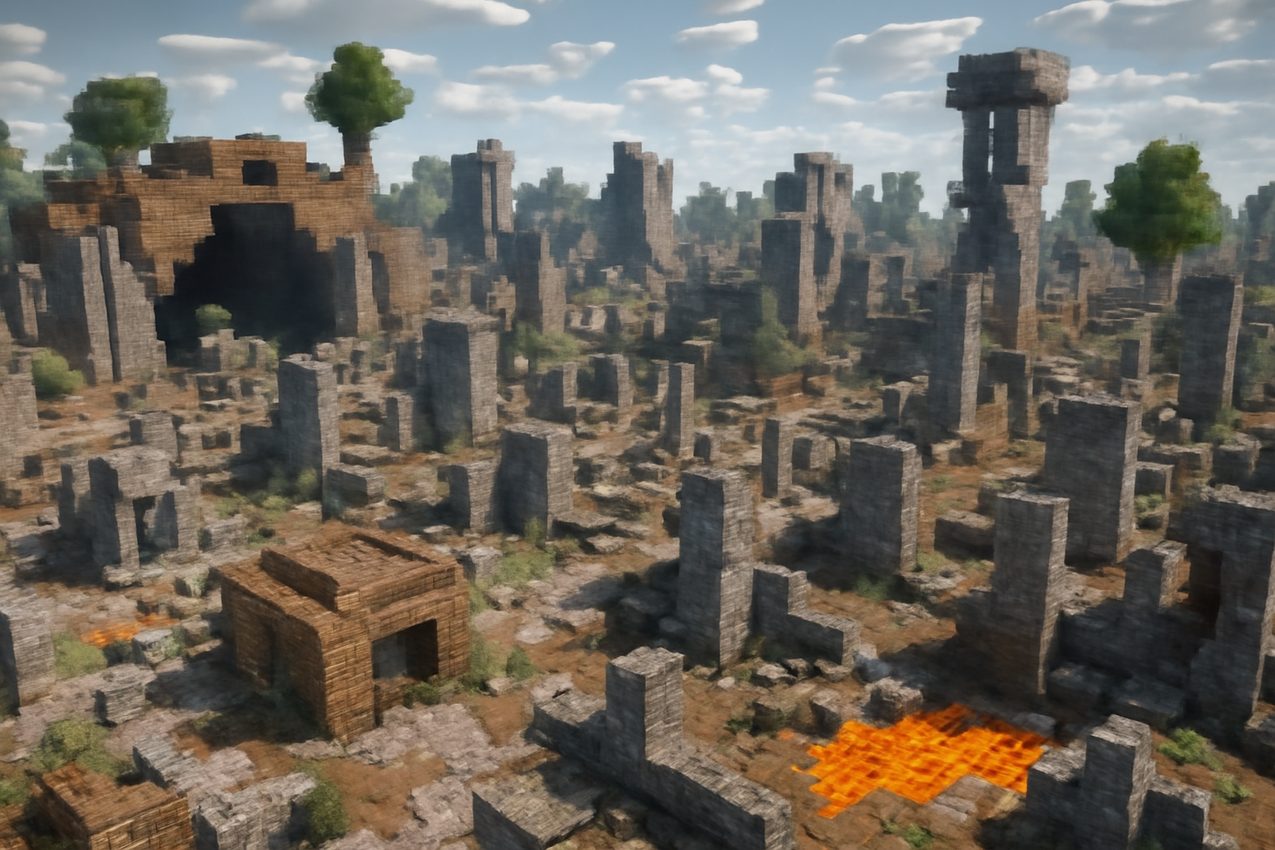
Checklist to evaluate the server and the first steps on the new anarchy server
Before you stay on the server, check its stability (whether there are frequent restarts), the presence of anticheat (if it is important for you), online and player activity. It is important to assess how destructive the near-spawn zone is and whether it is realistic to survive away from the center.
First steps: don’t stay at the spawn – this is the most dangerous place. Go at least 2-3 thousand blocks, collect resources along the way, do not build a base on the surface and do not use obvious materials. Avoid chatting about your plans and findings, so as not to become an easy target.
Where to look for current anarchy servers: selection and filters BlockRadar
To find fresh and truly free anarchy servers, use BlockRadar. Here you can filter the servers according to version, online, geolocation and additional parameters to choose the optimal platform for playing Java 1.20.
Check the relevance of IP, read player reviews and look at ping metrics right in the catalog. BlockRadar allows you to quickly assess how the server meets your requirements, and helps to avoid random selection of the wrong site. This is especially useful for those who want to start their survival right away without much searching.
Playgrounds on this topic can be found in BlockRadar server directoryOpen cards, compare status, online and customer requirements.