PvP in Minecraft Bedrock on your phone is a very special experience. Mobile control, unique mechanics and specific servers make battles on the smartphone screen not like the usual battles in the Java version. To succeed in PvP mode, it is important not only to have a good command of touch control, but also to understand the nuances of the mobile version of Minecraft. Many players face difficulties in choosing a server, connection errors or non-obvious features of battles. This article will explain in detail how to choose the best PvP server for your phone, what to look for when evaluating sites, what mechanics affect the outcome of a battle, and how to avoid typical errors. We will only consider the real possibilities of the Bedrock version and give specific tips for a successful game and quick navigation through the BlockRadar catalog.
Minecraft Bedrock PvP on Mobile: How It Differs from Java
PvP in the Bedrock version on the phone is markedly different from Java. There is a different damage system, and many of the usual techniques from the PC version work differently or do not work at all. For example, there are no critical jump shots, and the attack speed is not as tightly limited as in Java. This means that spam-clicking on the screen can be more effective.
Touch control determines the style of play: the accuracy of the aiming and the reaction depends on the location of the fingers, not the mouse. Also, the physics of combat and collisions of players are implemented in a different way - hitboxes are slightly larger, and delays between strikes are minimal. This requires a special approach to tactics and training.
There are fewer options for modifications or third-party assistants on mobile devices, so success in PvP depends on the ability to quickly navigate the interface, use items correctly, and understand enemy weaknesses in advance.
How to choose a PvP server for a mobile version: criteria and useful filters
Choosing a server is the key to a comfortable game. First, look at the server-supported version of Bedrock and make sure it matches yours. Check whether mobile login is supported: some servers are focused on Windows or console, and you will not be able to connect from the phone.
Ping and server geolocation directly affect delays in combat. The closer the server is to your region, the fewer lags and chances of losing due to the delay. In the BlockRadar directory, it is convenient to sort the PvP server by version, region and current online - this helps to quickly find sites with good stability.
Pay attention to the description of the modes: some servers offer classic PvP with minimal mods, others - arenas, duels or mini-games. Don’t forget to read player reviews and monitor the administration’s activity – this reduces the risk of encountering foul play or bugs.
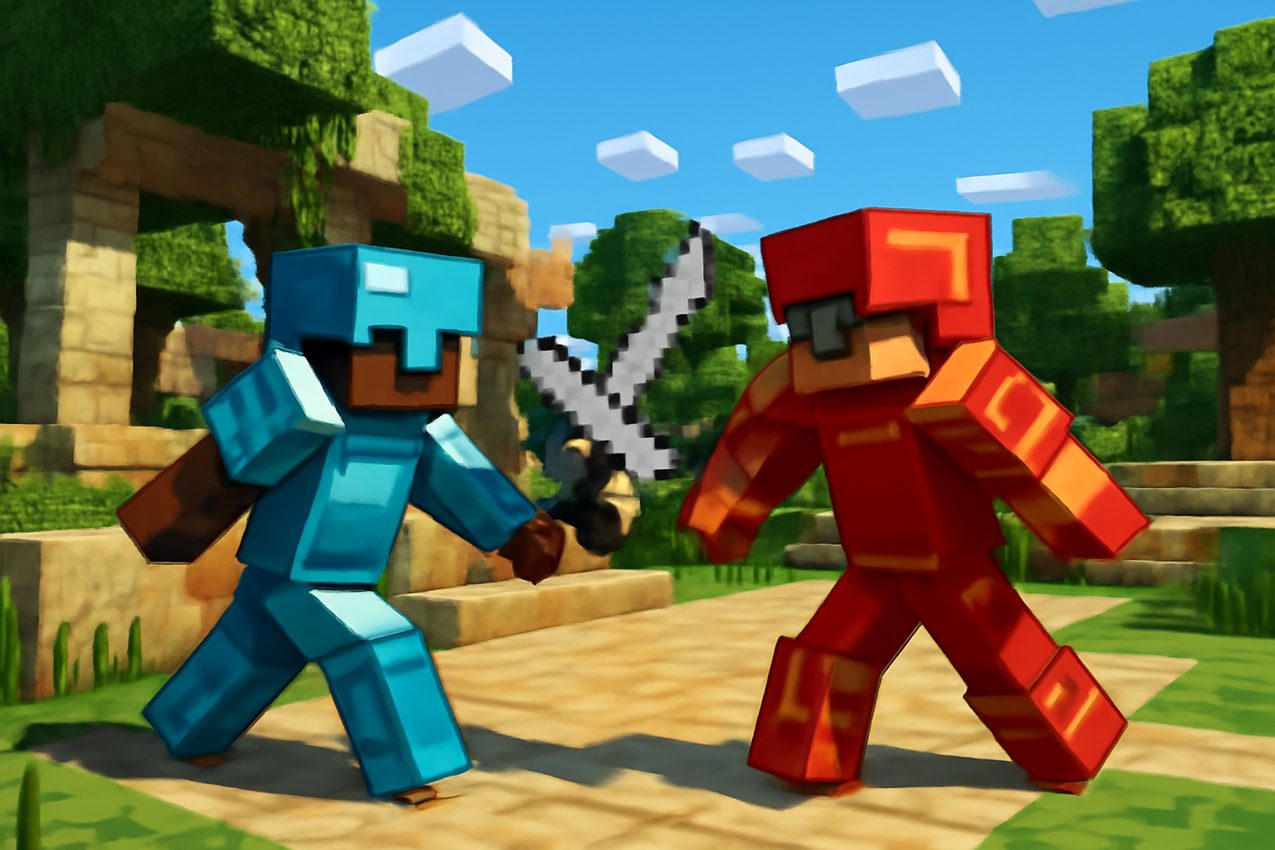
PvP mechanics in Bedrock: Armor, damage, delays and touch screen control
In Bedrock, damage is calculated differently than in Java. The weapon causes fixed damage, and the speed of clicks on the screen affects the result of the fight. Armor protects not only from damage, but also from sharp attacks, so that competent equipment solves a lot.
Delays between impacts are minimal, but touch control makes it difficult to quickly switch items and use inventory. Train the accuracy of the presses to eat food or change weapons on time - this gives an advantage in protracted fights.
Use the sensitivity settings and control layout for your habits. Experiment with the position of the buttons on the screen to reduce reaction time. Many experienced players customize the interface individually, which helps to respond faster to enemy attacks.
Typical connection errors and ways to solve them when playing on the server
A common problem is the inability to connect to the server. Check that you are using the correct IP address and port listed in the directory. If the server does not support mobile players, an incompatibility error will appear.
High ping and lags are often associated with server remoteness or congested Wi-Fi. Before entering, make sure the internet is stable and test the connection through the BlockRadar menu, where you can quickly rate ping and online.
Connection errors can occur due to discrepancies between client and server versions. Keep an eye out for Minecraft Bedrock updates and don’t forget to check the server version against yours – this will save you time and avoid unnecessary problems.
Rules and etiquette of PvP on popular servers: what is important for a beginner to know
Many PvP servers have clear rules of conduct. Cheats, third-party modifications and insults in the chat are prohibited. A ban can be issued quickly for a violation, so carefully study the rules section before starting the game.
In PvP, it is customary to respect the opponent: do not finish off players after surrender, do not use card bugs and do not interfere with the duels of others. Etiquette helps to create a friendly community and makes the game more fun for everyone.
It’s important for beginners to feel free to ask questions – experienced players often help with tips. Don’t be afraid to lose: every fight is an experience, and fair play and polite communication open up more opportunities for development in PvP.
Where to find proven Bedrock PvP servers for your phone: go to the BlockRadar directory
The best way to choose the right PvP server is to use the BlockRadar directory. Here are collected the current sites for the Bedrock version, which support mobile players and are regularly checked.
In the directory, you can sort servers by ping, online, version and region. This helps to avoid lags and find a site where there are always rivals. Before connecting, check the status of the server to avoid getting into an inactive arena.
Use filters and read reviews in the directory: this saves time and helps you quickly find a place for honest and exciting PvP battles on your phone. BlockRadar is a convenient start for searching and checking Bedrock servers with PvP mode.
Playgrounds on this topic can be found in BlockRadar server directoryOpen cards, compare status, online and customer requirements.