Crystal PvP is a high-risk style of Minecraft Java combat that uses the explosive power of end crystals. Players combine positioning, movement, armor, totems and rapid inventory decisions to survive while attempting to catch opponents in explosions. A good Crystal PvP server needs more than a populated lobby: predictable performance and clearly explained rules are essential.
This guide focuses on Minecraft Java 1.20.1, but the exact client range and combat settings depend on the server. Some competitive networks allow multiple game versions or adjust vanilla mechanics.
What makes Crystal PvP different?
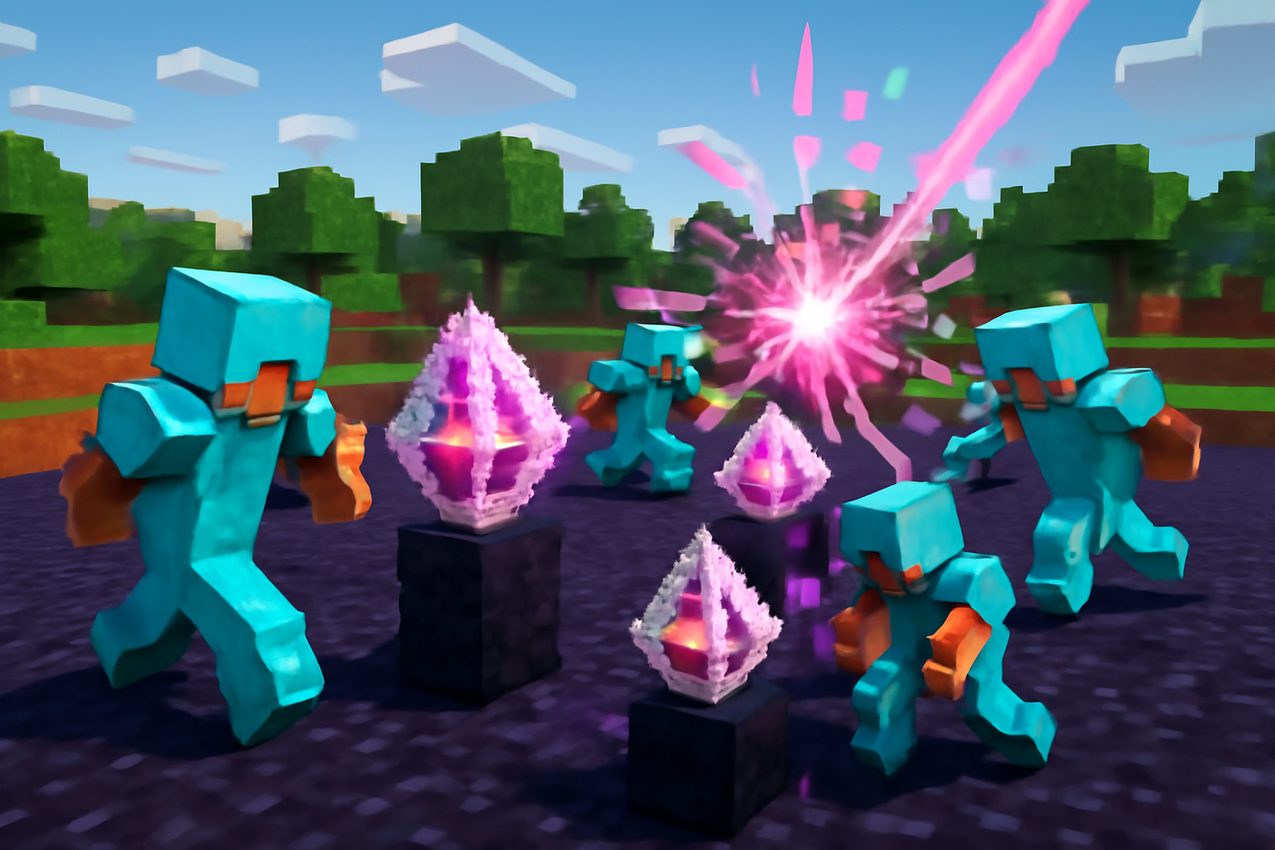
End crystals can be placed on valid obsidian or bedrock surfaces, provided there is room above the block. They explode when attacked and can cause major damage to nearby players. This makes positioning and protection important: you need to understand not only when to place a crystal, but also how to avoid your own explosion.
Armor, health management and Totems of Undying can matter as much as raw clicking speed. End crystals are not a generic weapon that can be placed on every block. Check the Minecraft End Crystal mechanics reference for the underlying game behaviour.
Some servers also use respawn anchors in their PvP rulesets. A charged anchor behaves differently by dimension and may explode outside dimensions where it can set a respawn point. Whether anchors are allowed in a competitive match is a server rule, not a universal Crystal PvP feature.
Evaluating a Crystal PvP server
Use the Crystal PvP server directory to discover candidates, then verify the actual mode.
- Latency and hit registration. Delays affect crystal placement, explosion timing and inventory reactions. Measure your own in-game connection instead of assuming a directory ping matches yours.
- Supported Java versions. If you play 1.20.1, confirm whether that release is supported directly or through a multi-version proxy.
- Arena layout. Look for stable practice surfaces, understandable boundaries and a fair starting position rather than hidden traps.
- Rules and anti-cheat. Check allowed clients, inventory macros, automation and exploit policies. Do not assume a technique allowed elsewhere is allowed here.
- Queue activity. An overall network player count is not the same as the number of available Crystal PvP opponents.
If you're new, a practice server with consistent gear and a clear respawn loop is more useful than one that only advertises a high global rank.
Prepare your client and inventory
Before entering a competitive round, use a clean Minecraft Java profile supported by the operator. Check your keybinds and make sure frequently used inventory slots are easy to reach without disrupting movement.
In a typical kit, you may see armor, food, end crystals, obsidian, healing supplies and totems. The exact equipment is server-specific. Inspect it in a safe area and understand which resources are replenished between rounds.
When practicing, prioritize positioning and survival over rapid clicking. Learn the distance from which explosions can harm you, recognize how nearby blocks affect exposure, and maintain situational awareness. Do not assume a "totem pop" means a fight is over.
Fair-play rules that vary by server
Some communities allow selected quality-of-life mods, while banning automation, unfair client modifications or certain macros. Others have strict vanilla-only rules. A setting that seems harmless in one duel mode may be prohibited in another.
Read the operator's policy for auto-totem, inventory management, crystal placement and hotkeys before playing. Avoid modified clients obtained from unknown download mirrors.
A well-run server should explain allowed behaviour and offer a channel for appealing incorrect anti-cheat decisions.
Troubleshooting connection problems
Wrong edition or version. Crystal PvP described for Minecraft Java does not automatically support Bedrock clients. Choose the exact game version accepted by the network.
Server online, but mode closed. You may be in a global lobby. Find the correct queue and check whether the match requires a minimum player count.
Severe lag or delayed explosions. Test your connection to another location, close bandwidth-heavy applications and check whether the server reports maintenance. Distinguish poor network latency from client FPS drops.
Unexpected kicks or bans. Read the on-screen reason, review allowed client modifications, and contact moderators. Do not evade bans or install unknown "anti-ban" utilities.
What to compare between two arenas
For a meaningful comparison, play several matches on each server at similar times of day. Note the responsiveness of crystal placement, whether combat feels consistent, the availability of opponents, and how quickly staff handles cheating reports.
Also check whether the environment is friendly to new players. Training matches, unranked queues and simple explanations of server-specific rules can matter more than a flashy leaderboard.
Pre-match checklist
- Confirm Minecraft Java 1.20.1 support or the actual accepted version range.
- Check Crystal PvP availability rather than general network online numbers.
- Inspect the server's kit, arena and allowed items.
- Understand the basic explosion risk, equipment and totem mechanics.
- Review anti-cheat, macros and client-mod policies before joining.
Crystal PvP rewards timing and attention. Choose a server where rules and latency are predictable so you can focus on improving your gameplay rather than troubleshooting the platform.